About BIQU Orbiter v2.0
Features of BIQU Orbiters v20
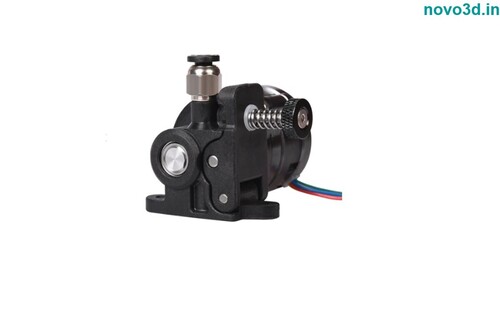
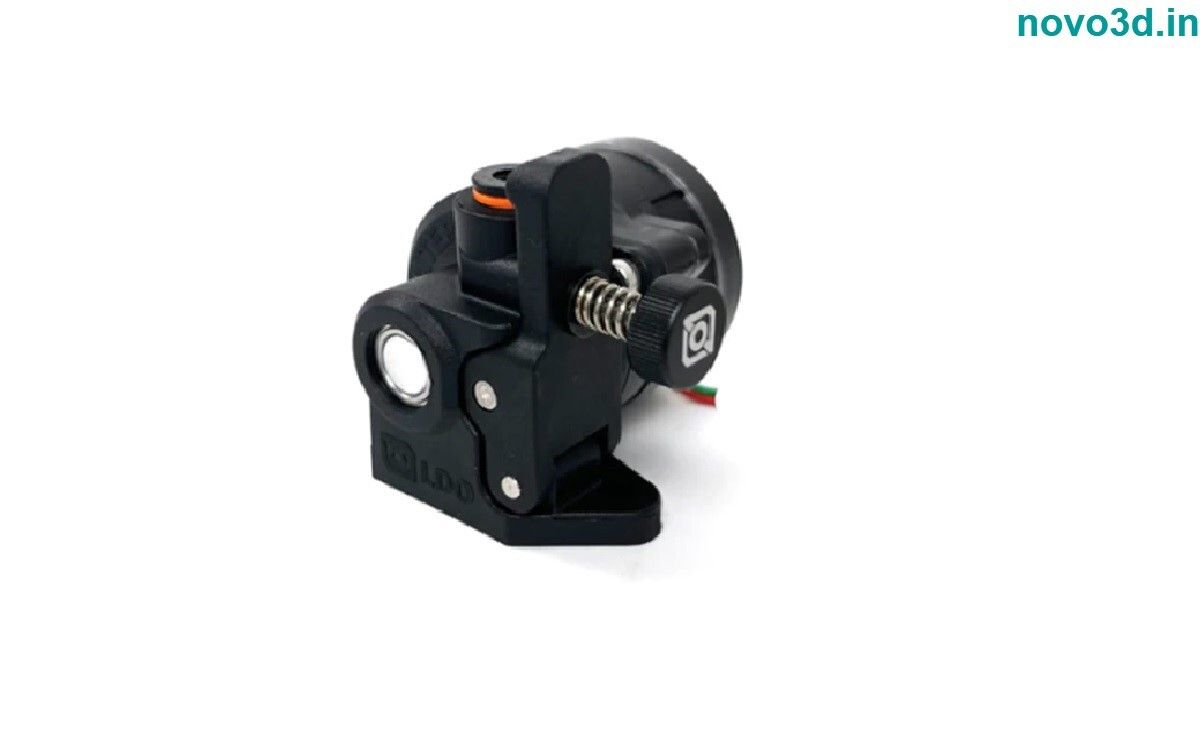
The Orbiter v20 High precision direct drive extruder is manufactured by LDO Motors This is a direct drive extruder system in which we have integrated all what we have learned about extruders in the past years
Shorter drive gears 11 mm Hardened filament drive gears manufactured by Bondtech
The motor design ensures a 40 increase in pushing force in real printing conditions and a much improved acceleration performance
Weight reduced to 135 grams Smaller more compact dimensions 116 shorter Flipped drive gears filament path closer to the extruder centre for a more balanced design and a perfect fit on delta printers as well
Stainless steel filament exit guide with 0203 mm clearance to drive gears for best TPU thermoplastic polyurethane printing experience and extreme wear resistance when using abrasive
Exceptional Filament ControlThe Orbiter v2.0 delivers precise and consistent filament feed thanks to a dual-drive gear system and specialized 7.5:1 gear ratio. This setup accommodates a wide variety of materials, including flexible and high-strength filaments, ensuring smooth extrusion at speeds up to 120 mm/s.
Versatile and Adaptable DesignDesigned with modularity in mind, the Orbiter v2.0 features a universal mounting pattern compatible with many open-source 3D printers like Prusa, Creality, and BIQU. Its compact size and lightweight form make installation straightforward for upgrades or retrofits.
Engineered for EfficiencyConstructed from aluminum and tough polymer, the Orbiter v2.0 offers optimized cooling and minimal noise. The tool-less release lever ensures hassle-free filament changes, while easy maintenance maximizes uptime and print reliability for any user.
FAQ's of BIQU Orbiter v2.0:
Q: How do I install the BIQU Orbiter v2.0 on my 3D printer?
A: Installation is straightforward due to its modular, universal mounting pattern. Secure the extruder to your printer using the compatible holes; most open-source brands, such as Prusa, Creality, and BIQU, are supported. For best results, follow the printer-specific upgrade instructions or consult community guides.
Q: What filaments can the Orbiter v2.0 extrude?
A: The Orbiter v2.0 supports 1.75 mm filament and is compatible with PLA, ABS, PETG, TPU, Nylon, flexible filaments, and more. Its strong dual-drive system effortlessly handles both rigid and flexible materials.
Q: What are the benefits of upgrading to the Orbiter v2.0 extruder?
A: Upgrading enhances printing reliability and quality, especially with challenging filaments. Users benefit from high torque, reduced skipping, fast and tool-less filament changes, low noise, and lightweight, efficient design-ideal for consistent, accurate 3D printing.
Q: When should I perform maintenance on the Orbiter v2.0 extruder?
A: Regularly check for debris or filament residue on the gear teeth for optimal performance. Clean as needed and inspect moving components every few months, depending on print frequency, to ensure smooth operation and long service life.
Q: Where should I store my Orbiter v2.0 extruder when not in use?
A: Store the extruder in a dry, dust-free environment to prevent corrosion or buildup on mechanical parts. Proper storage helps maintain the device's precision and extends its operational lifespan.
Q: How does the quick release lever simplify filament changes?
A: The tool-less quick release lever allows for rapid manual loading or unloading of filament, minimizing downtime and making material swaps easier-even with flexible or specialty filaments.
Q: What voltage does the Orbiter v2.0 require, and which motors are compatible?
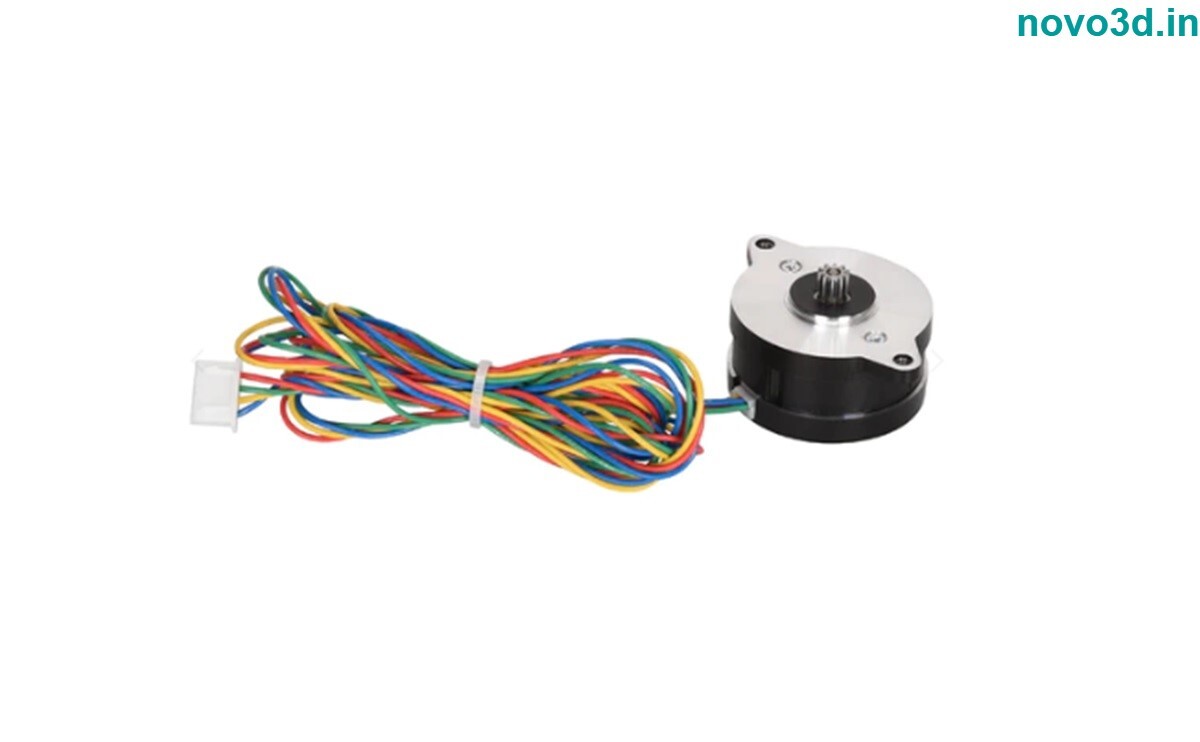
A: The operating voltage depends on your chosen NEMA 14 stepper motor (not included), typically supporting either 12V or 24V systems. Choose a quality motor to fully leverage the extruder's 80N+ maximum extrusion force.







 Send Inquiry


