About Bigtreetech Panda Touch V1.0 5 Inch Touch Screen With Multi-Printer Wireless Control For Bambu Lab X1 P1 And A1 Printers
Bigtreetech Panda Touch V1.0 5 Inch Touch Screen With Multi-Printer Wireless Control For Bambu Lab X1 P1 And A1 Printers
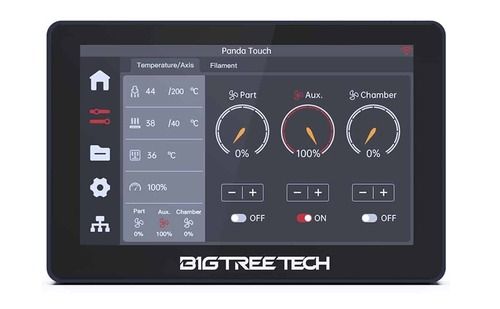
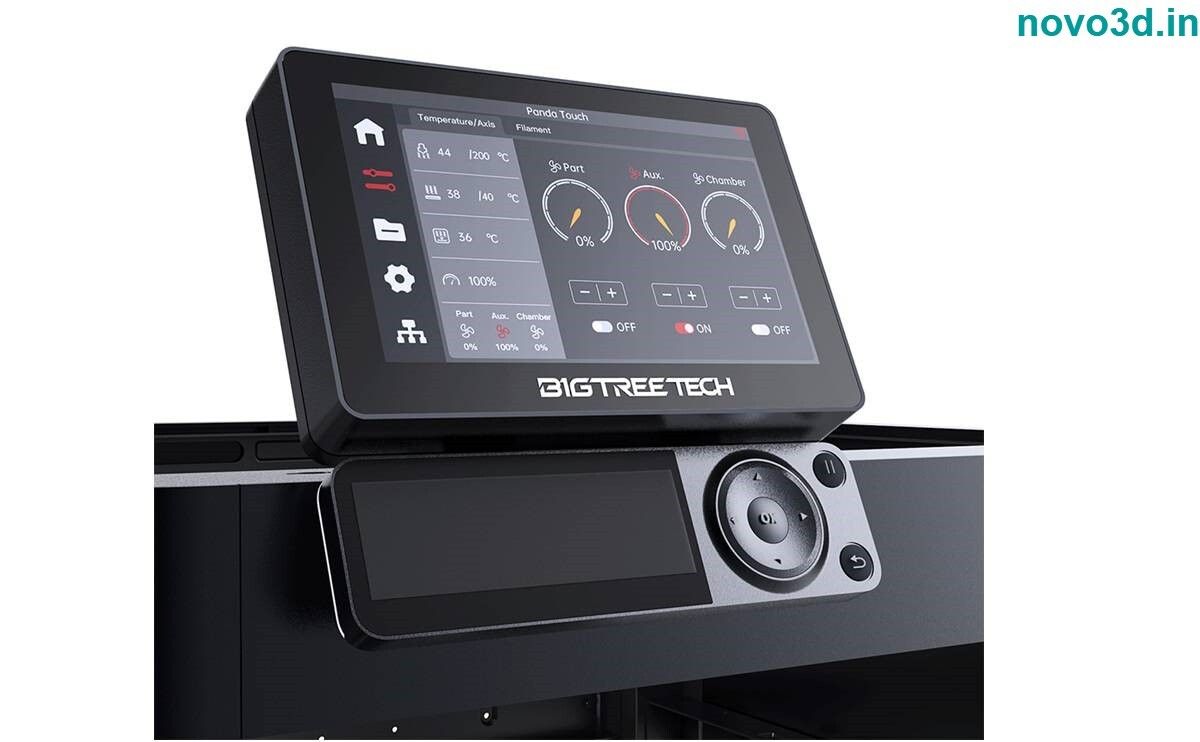
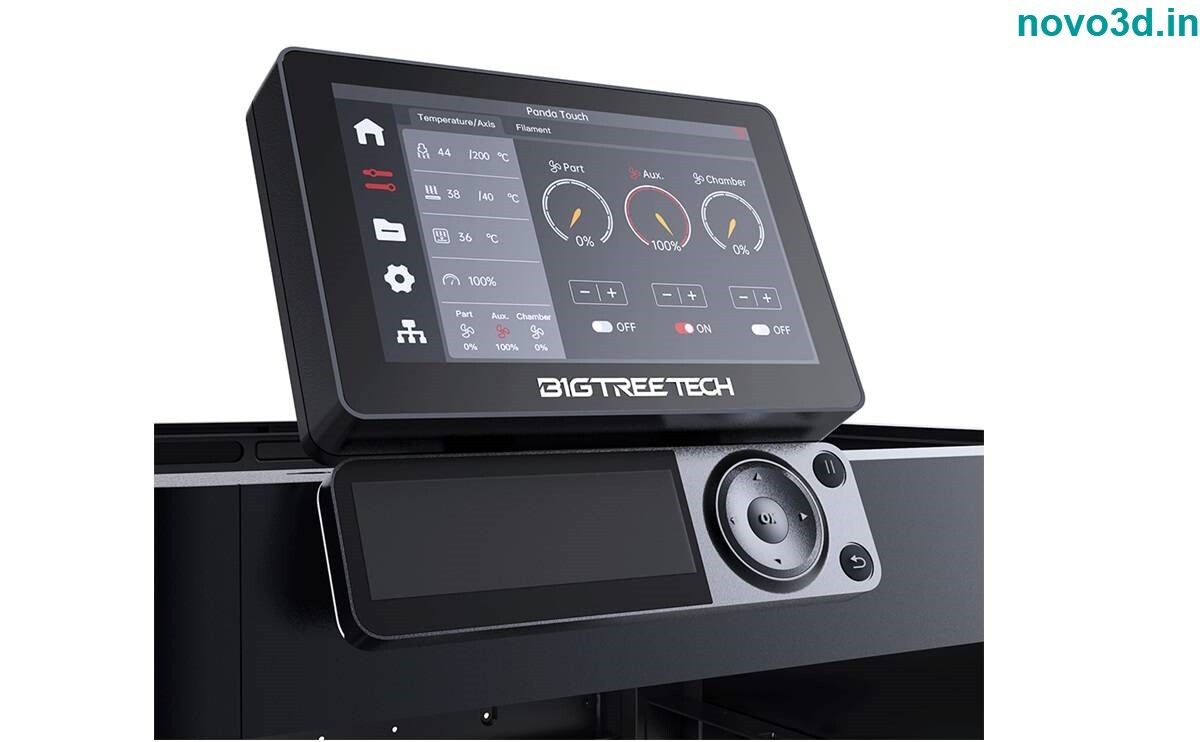
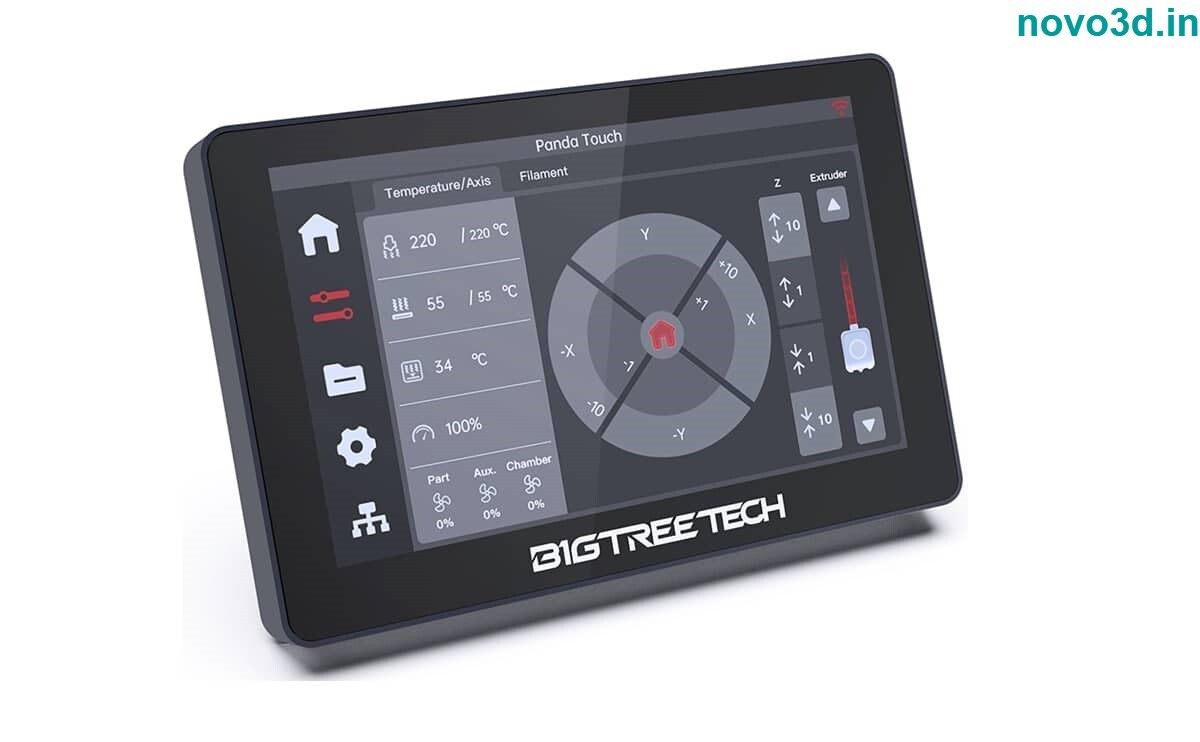
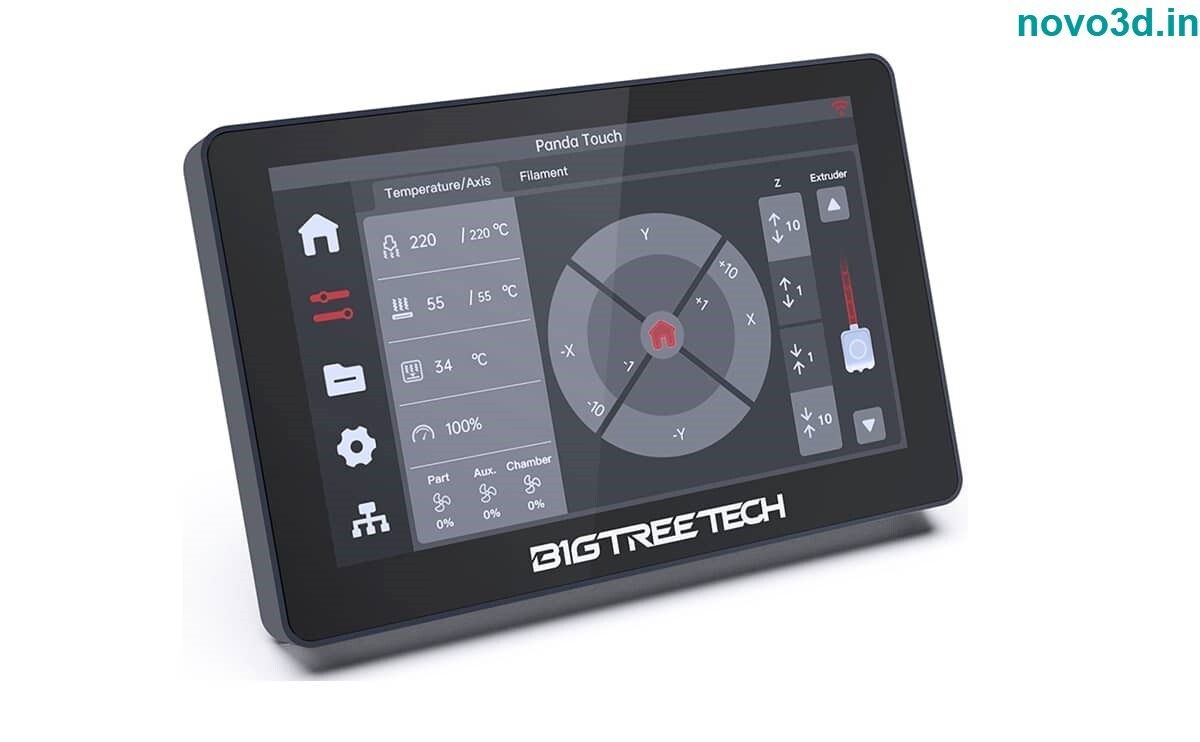
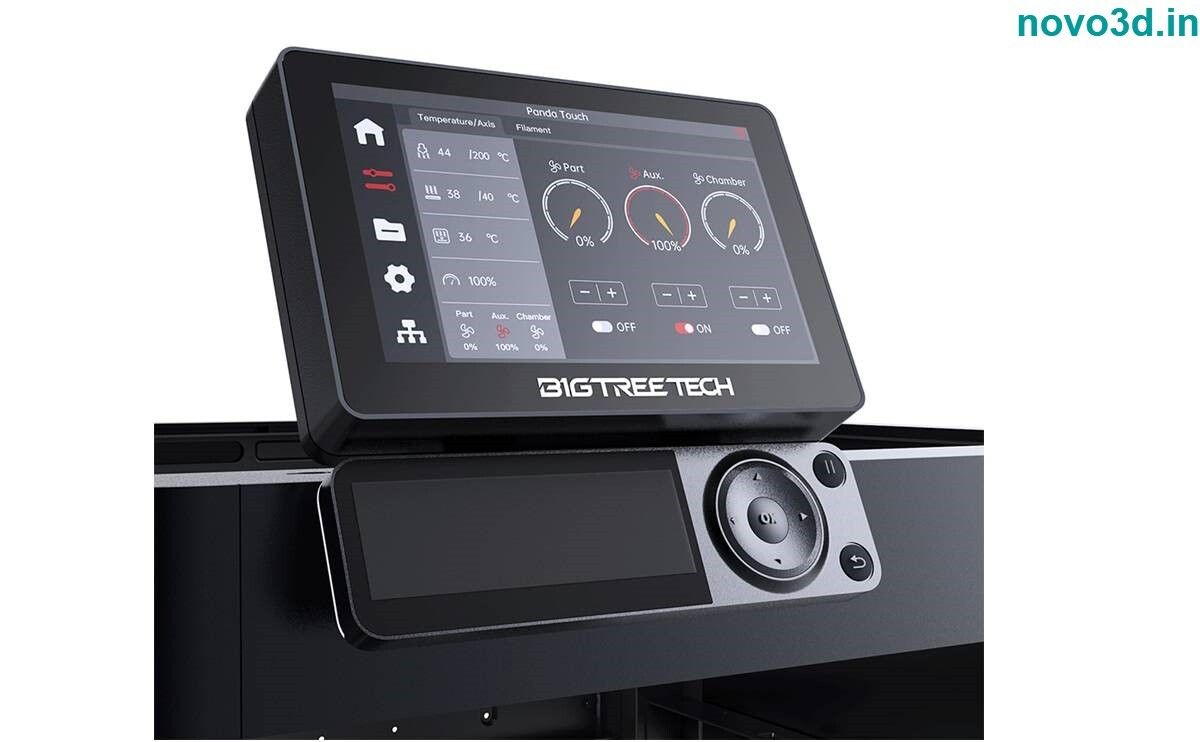
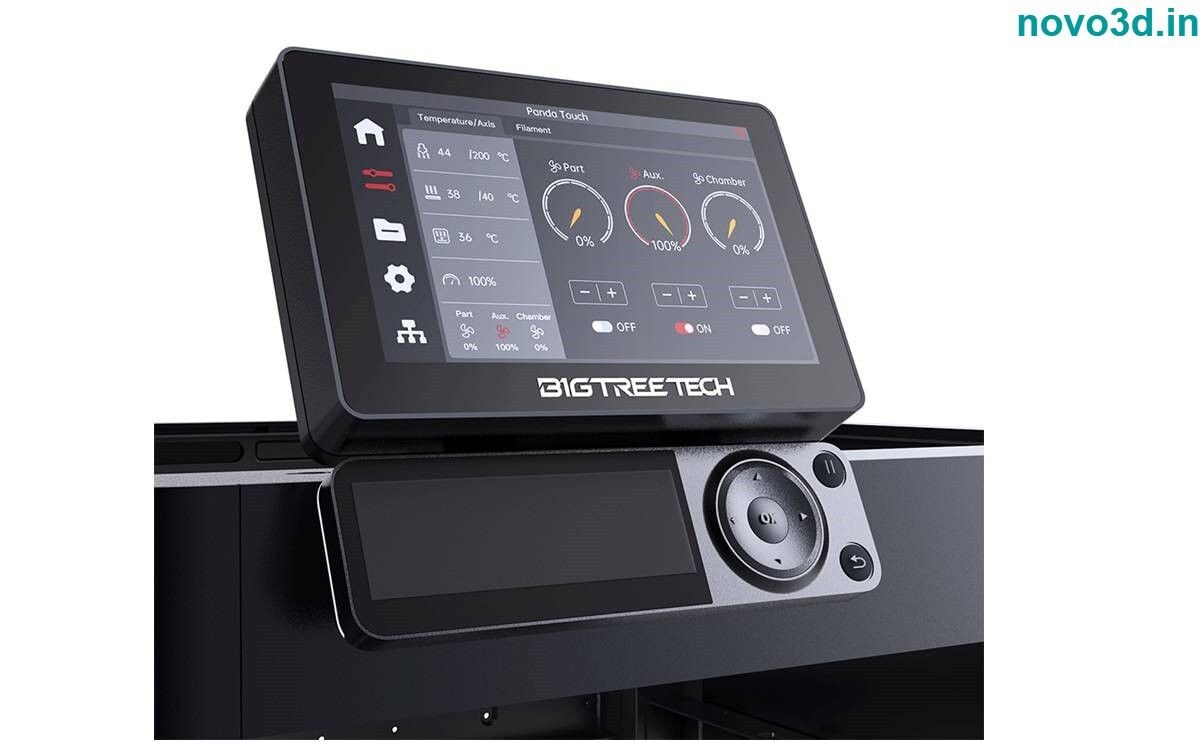
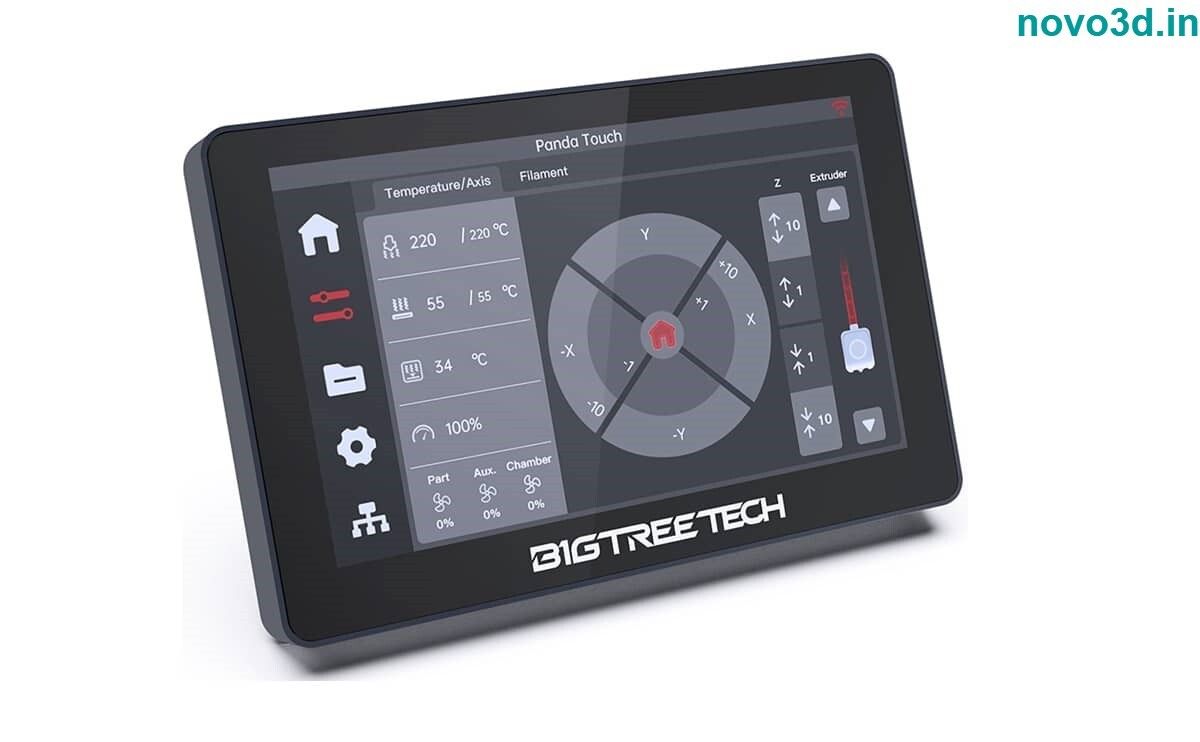
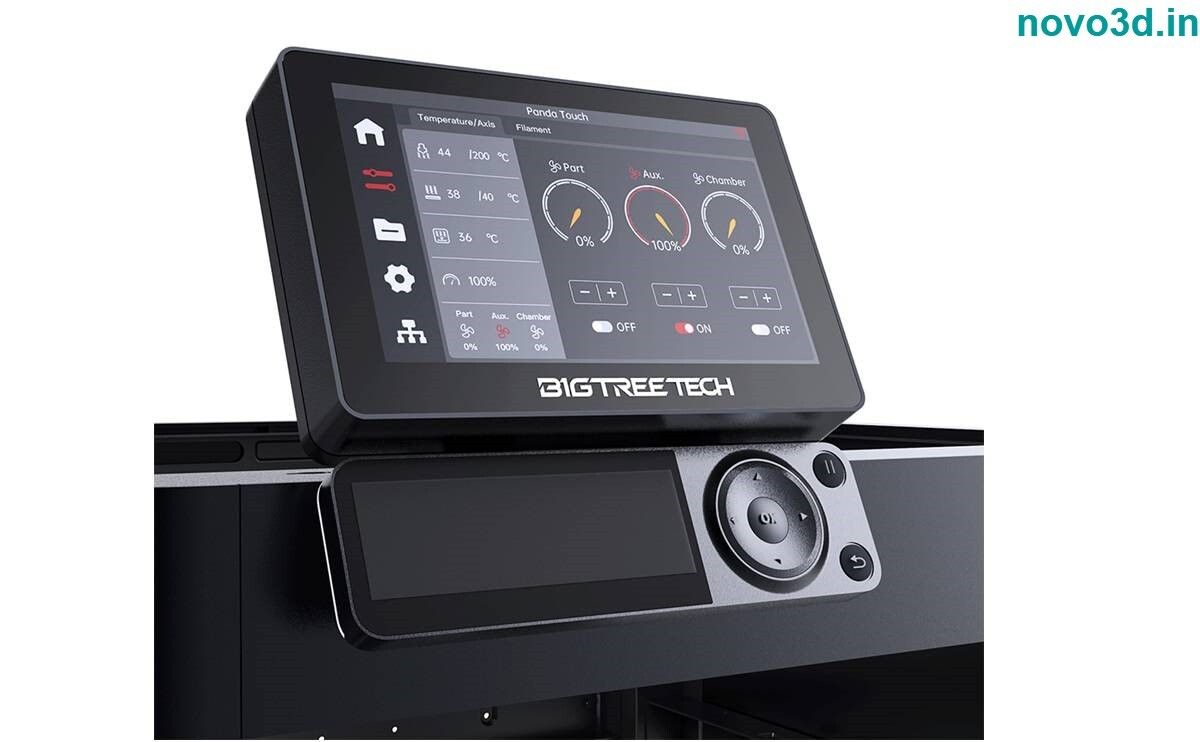
Bigtreetech Panda Touch offers a beautiful UI with convenient features and can be used as an alternative or a replacement screen for the Bambu P1P and Bambu P1S.
- 3D printer display also interfaces with the X1 and A1 series and supports group printing and control for up to 10 Bambu Labs printers.
Key Features of Bigtreetech Panda Touch:
- Plug-and-play convenience. Enjoy hassle-free setup with a quick installation that does not void your warranty.
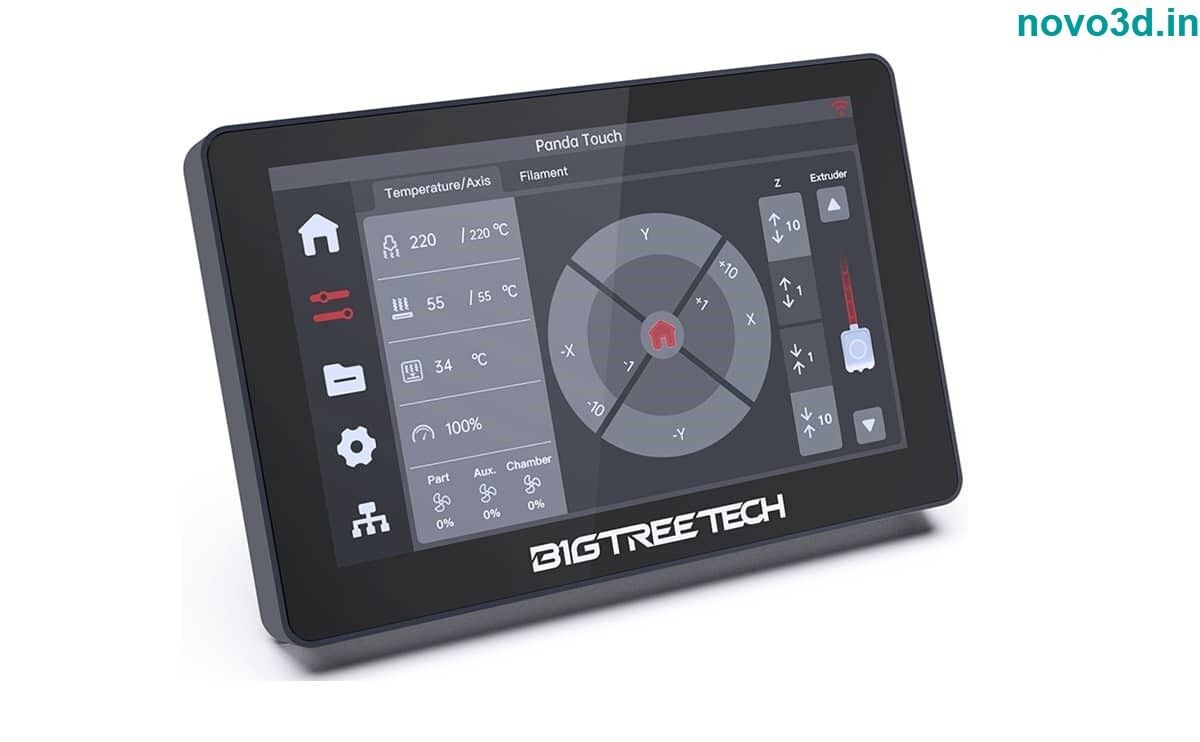
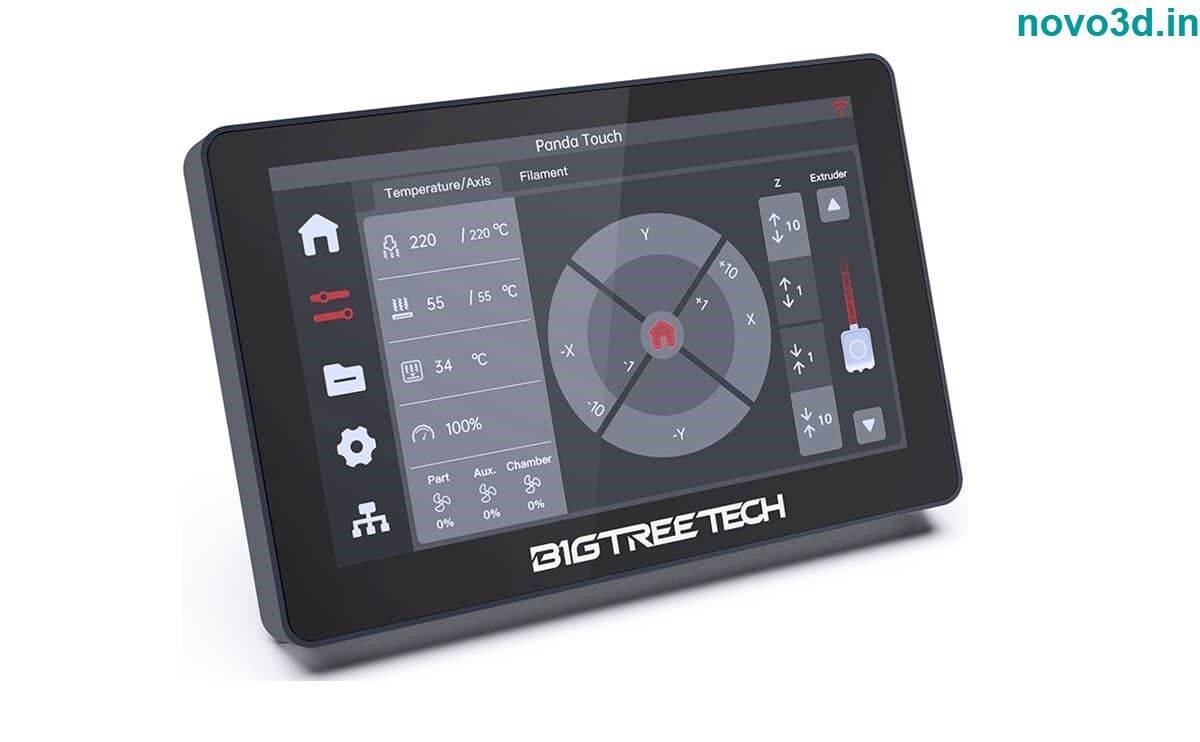
- Customized UX & UI. BTT delivers a tailored user experience that remains familiar but adds the extra features needed for multi machine control.
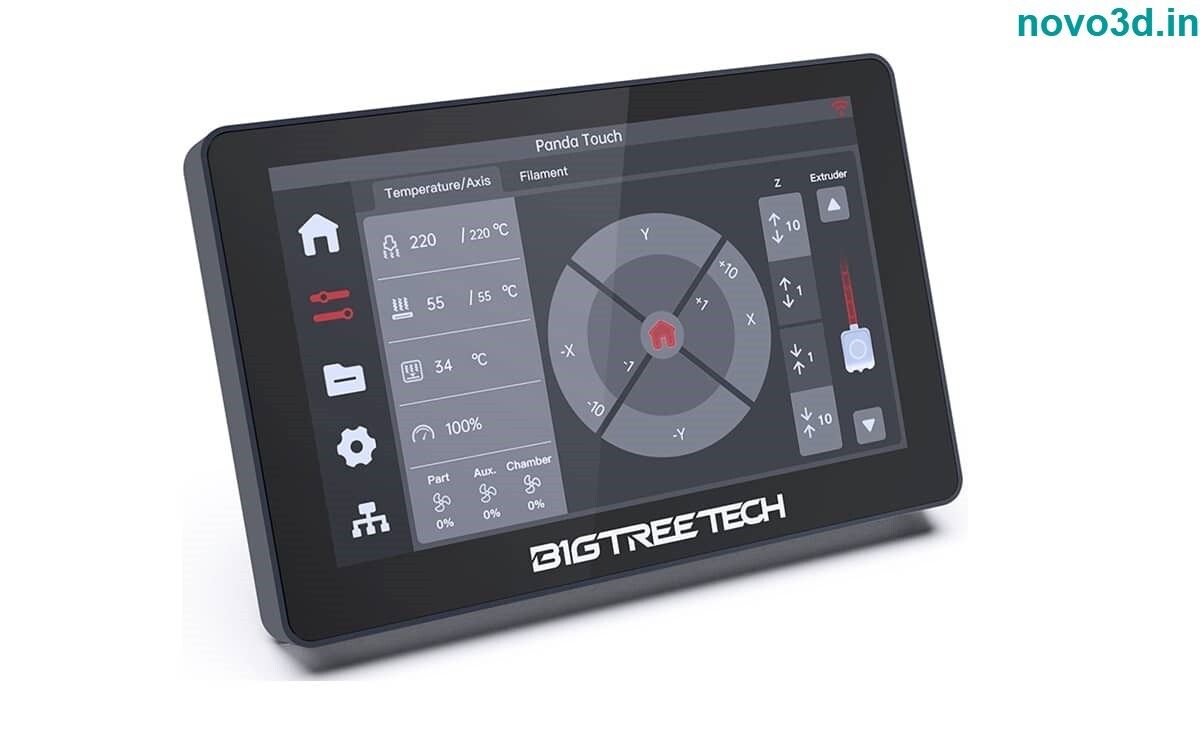
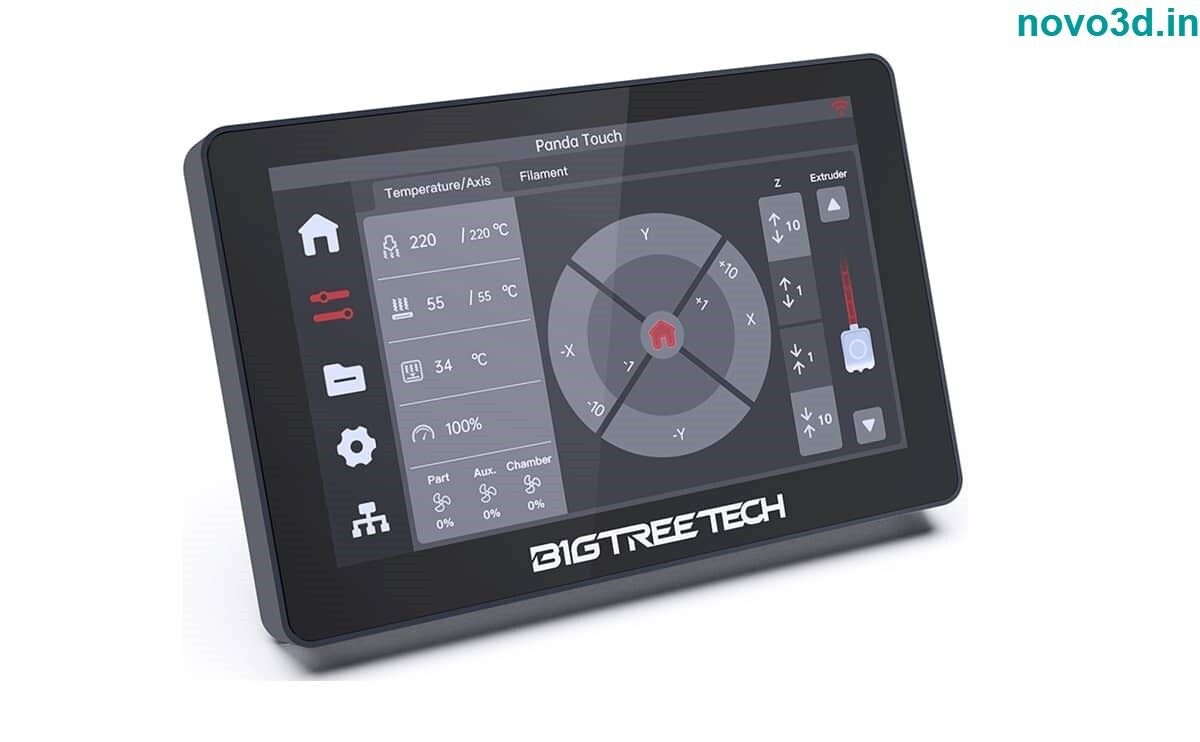
- Versatile functionality. All of the functions you would expect from a rich graphical display, with some extras thrown in!
- Seamless connectivity. Connect effortlessly via WiFi.
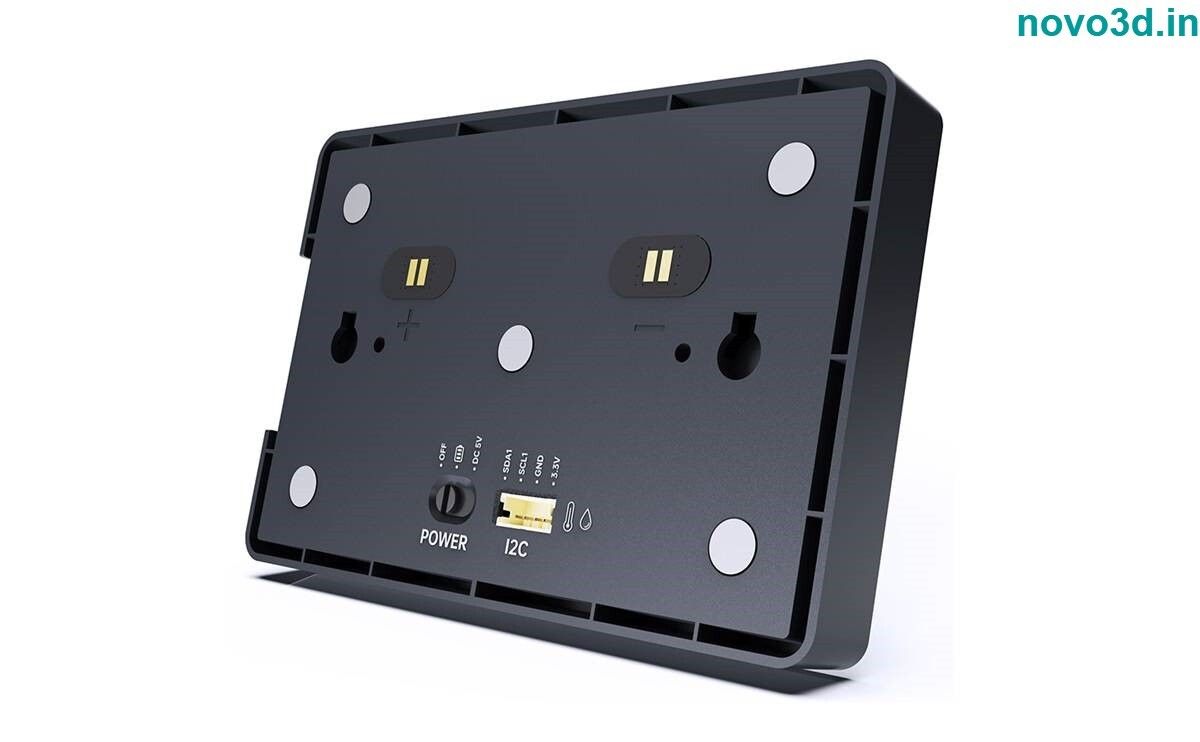
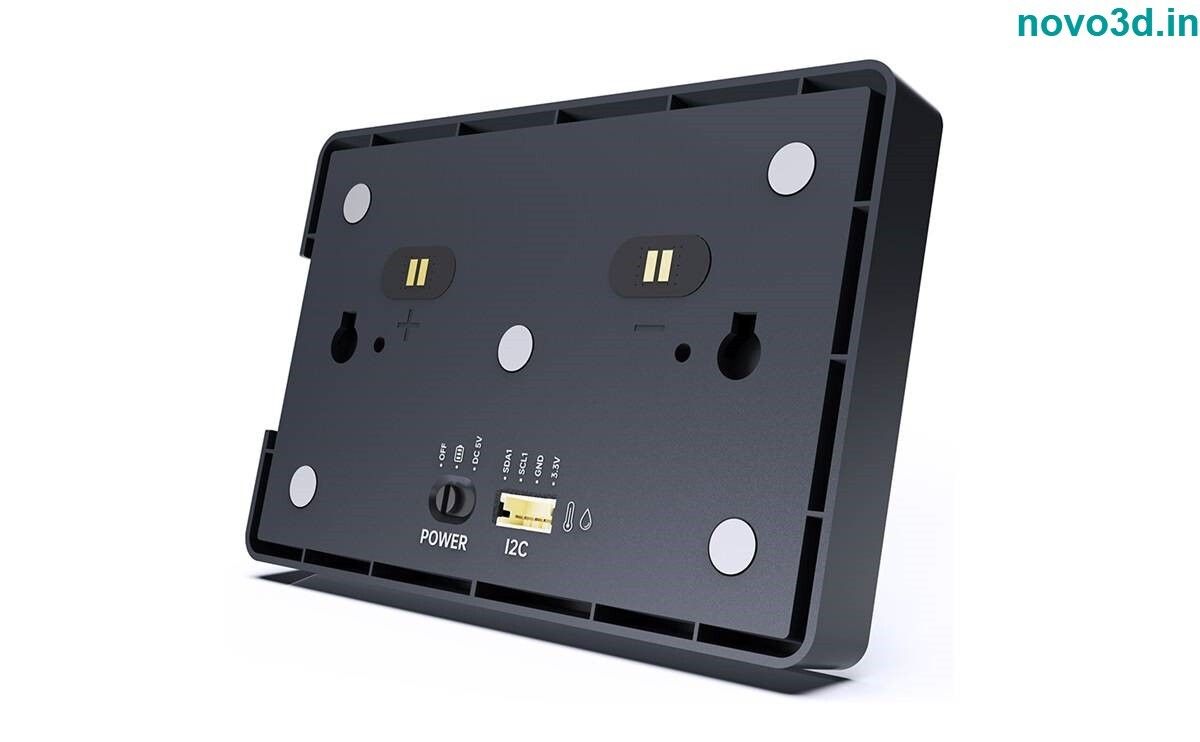
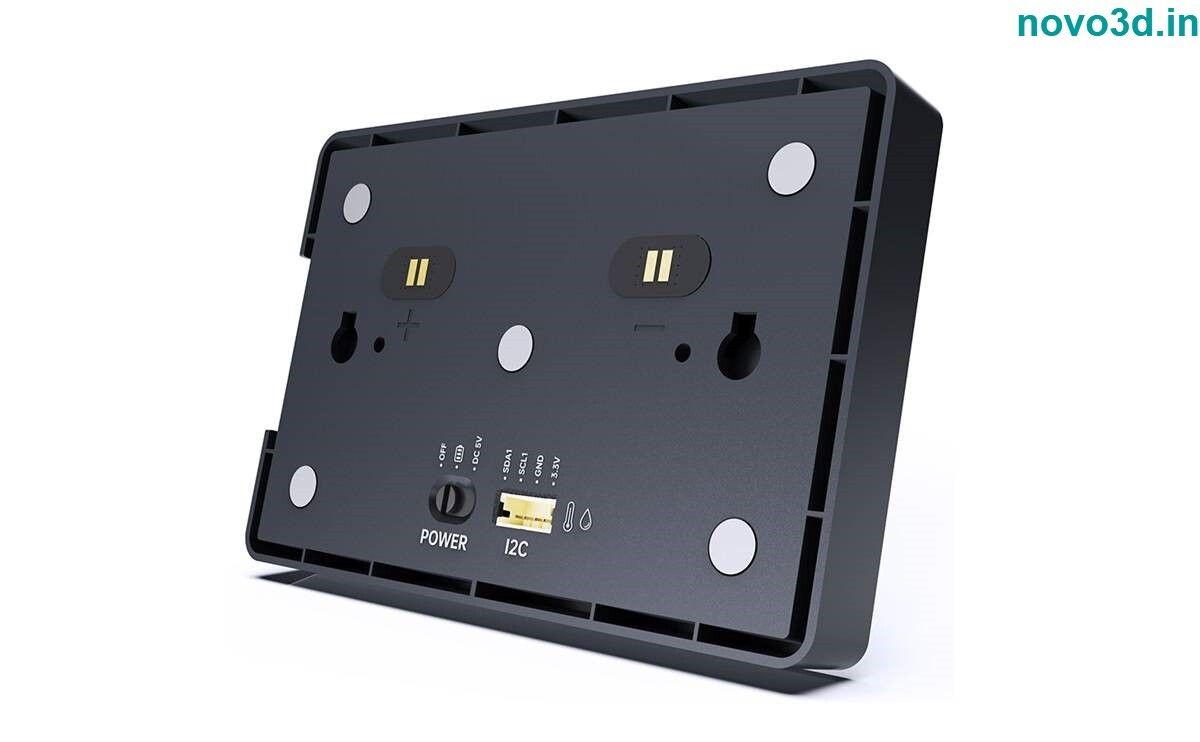
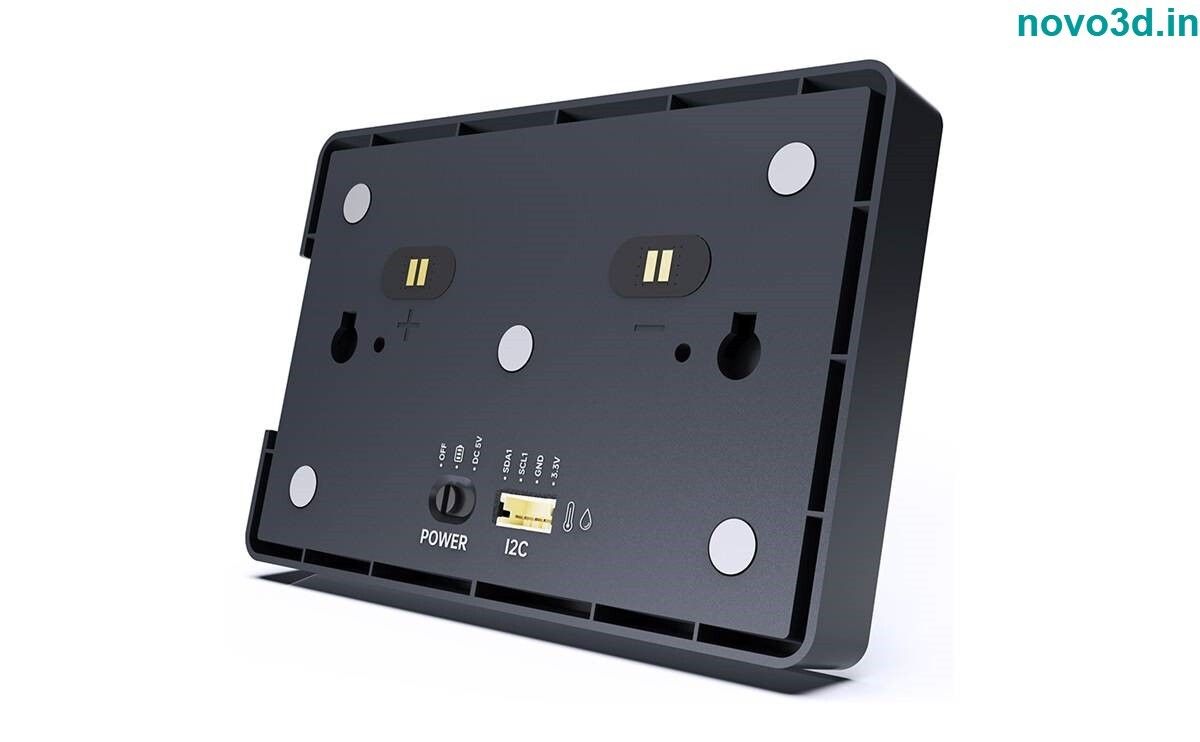
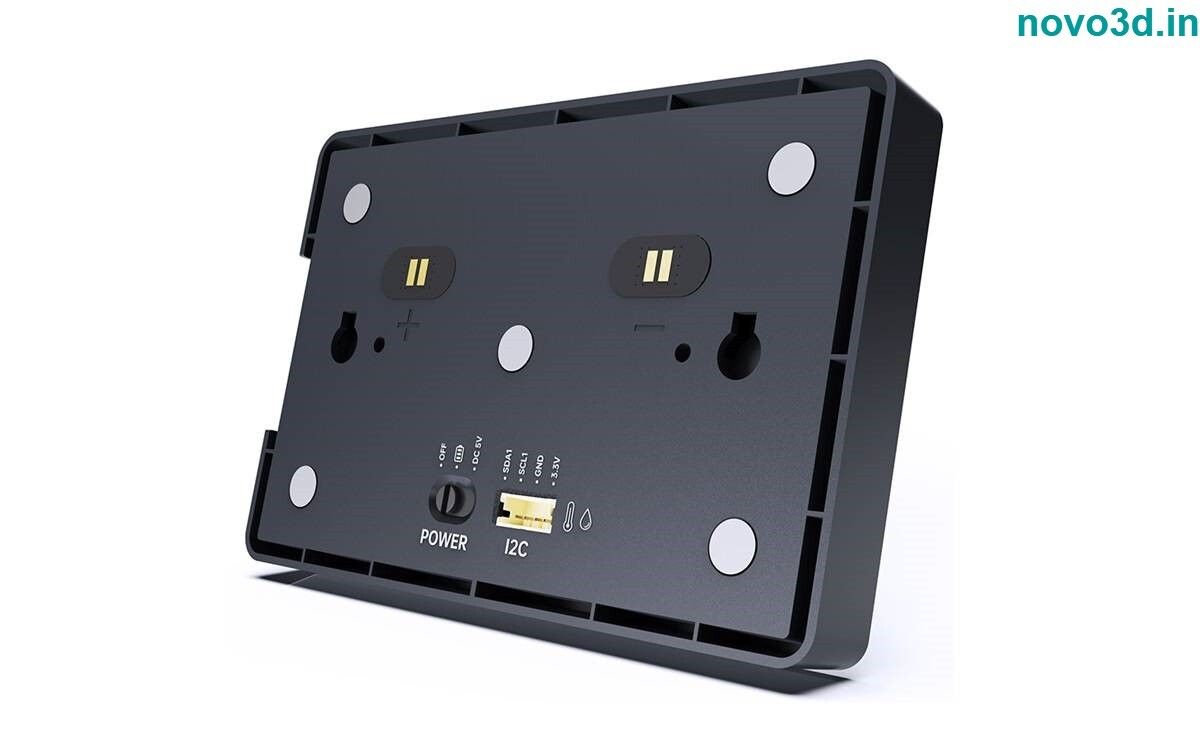
- Magnetic charging. Effortless mobile portability with convenient magnetic charging technology.
- Multi-printer control. Effortlessly manage multiple printers simultaneously for seamless synchronized control and printing.
- AMS filament changing system control. Get easy access to the multi-color printing controls with one touch access to control over the filament-changing system.
Package Include:
- 1 pcs of Bigtreetech panda touch V1.0
Seamless Multi-Printer Wireless ControlThe Panda Touch V1.0 facilitates simultaneous management of multiple 3D printers, making it ideal for production environments and enthusiasts. Its wireless connectivity ensures devices are easily accessible, boosting operational efficiency and minimizing manual intervention. Supported by Bambu Lab X1, P1, and A1 models, it brings a unified interface to your workspace.
Rapid Delivery and Reliable Build QualityWith industry-leading lead times of less than 24 hours, the Panda Touch ensures your workflow isn't interrupted by delays. Crafted for durability-with a solid 100 kg weight rating, premium black finish, and precise dimensions-it's engineered to withstand heavy use and offers longevity in challenging environments.
FAQ's of Bigtreetech Panda Touch V1.0 a 5 Inch Touch Screen With Multi-Printer Wireless Control For Bambu Lab X1 P1 And A1 Printers:
Q: How do I set up the Panda Touch V1.0 with my Bambu Lab X1, P1, or A1 printer?
A: To install the Panda Touch V1.0, simply connect it to your printer's wireless network and follow the on-screen setup instructions for quick configuration. Ensure your printer firmware is current to maximize compatibility.
Q: What benefits does using the Panda Touch V1.0 offer over traditional controls?
A: The Panda Touch V1.0 offers a streamlined, unified touchscreen interface for managing multiple printers wirelessly. It reduces downtime, minimizes manual input, and provides quick access to essential printer functions, significantly enhancing your workflow efficiency.
Q: When can I expect delivery if I order the Panda Touch V1.0 in India?
A: Orders placed within India typically have a lead time of less than 24 hours, ensuring you receive your Panda Touch V1.0 quickly and can integrate it into your 3D printing setup without delay.
Q: Where can the Panda Touch V1.0 be utilized for optimal results?
A: The Panda Touch V1.0 is suitable for use in commercial printing environments, manufacturing floors, research and development labs, and maker spaces where multiple 3D printers need coordinated management.
Q: What is the process for wirelessly controlling multiple printers with Panda Touch V1.0?
A: Once connected to your workspace's network, the Panda Touch V1.0 allows you to switch between printers via its touch interface. You can initiate, monitor, and adjust printer jobs seamlessly from one central screen.
Q: Is the Panda Touch V1.0 compatible with novo3d brands?
A: Yes, the Panda Touch V1.0 is compatible with novo3d printers, empowering multi-brand 3D printer owners with a single device for streamlined control.










 Send Inquiry


