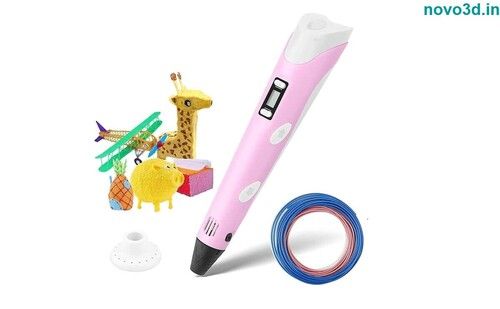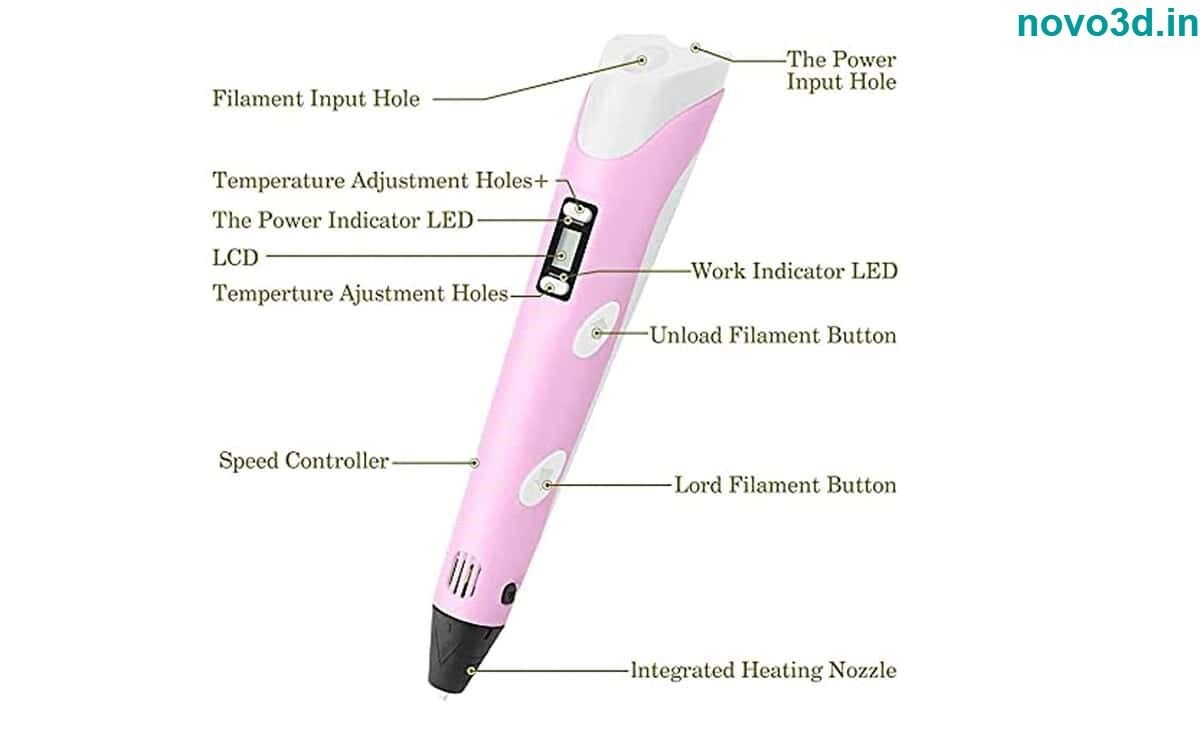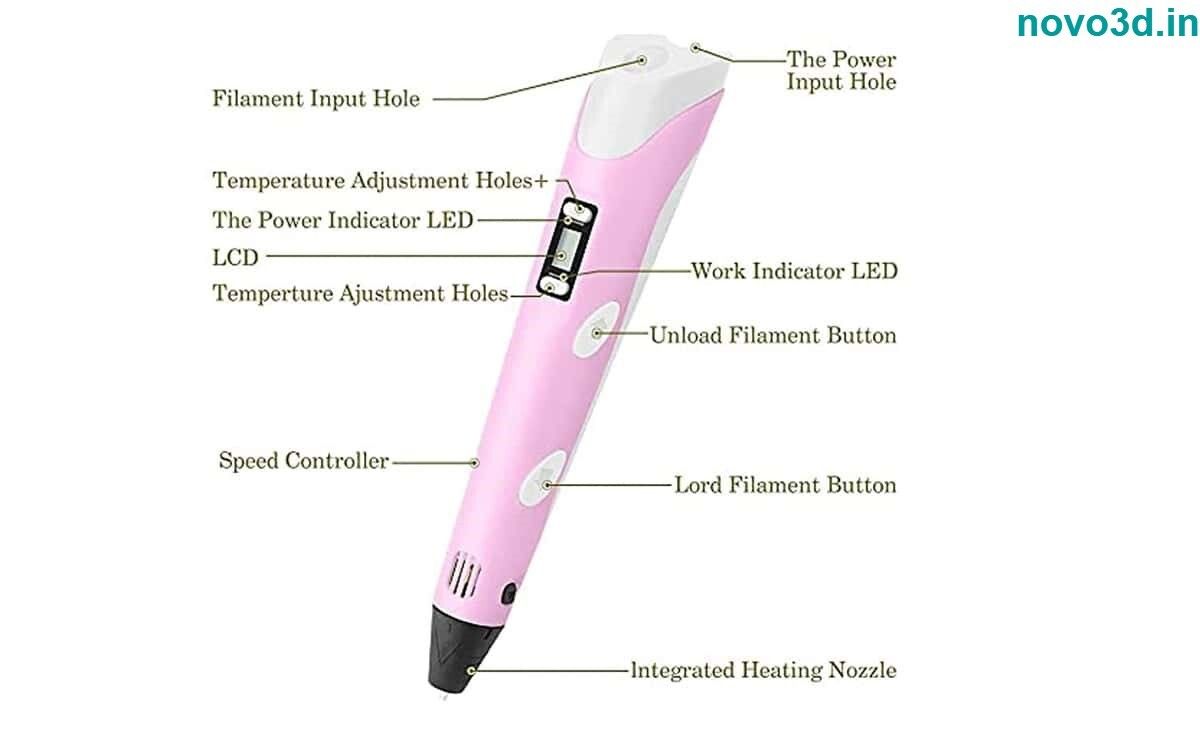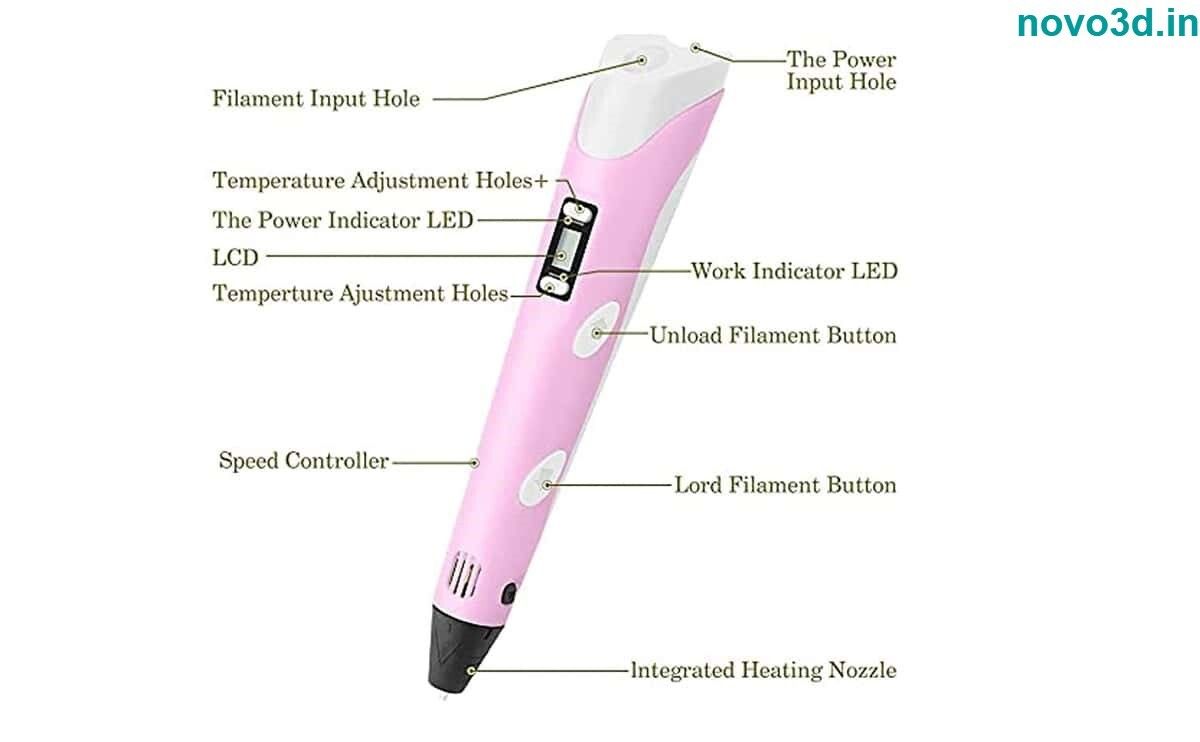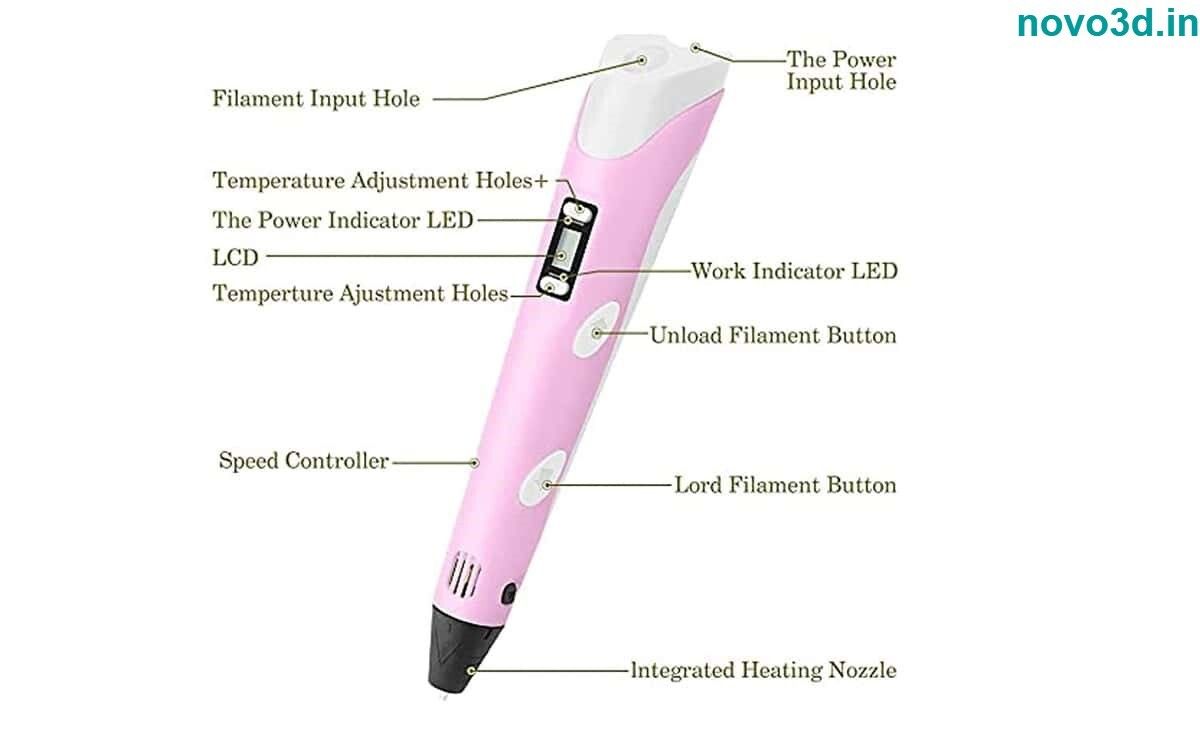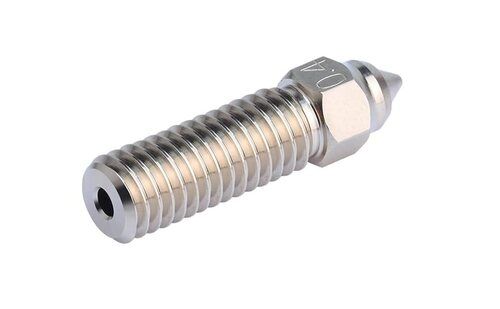

About 3D printer pen
3d pen printing pen specifications:
- Printing range: unlimited.
- Spinning speed: adjustable.
- Printing consumables: PLA 1.75mm material.
- Heating temperature: within the range of 180-220 degrees.
- Equipment working voltage: 5V 2A.
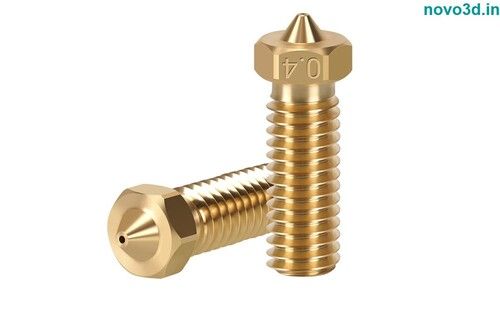
- Direct nozzle: 0.7mm.
- Product material: plastic shell.
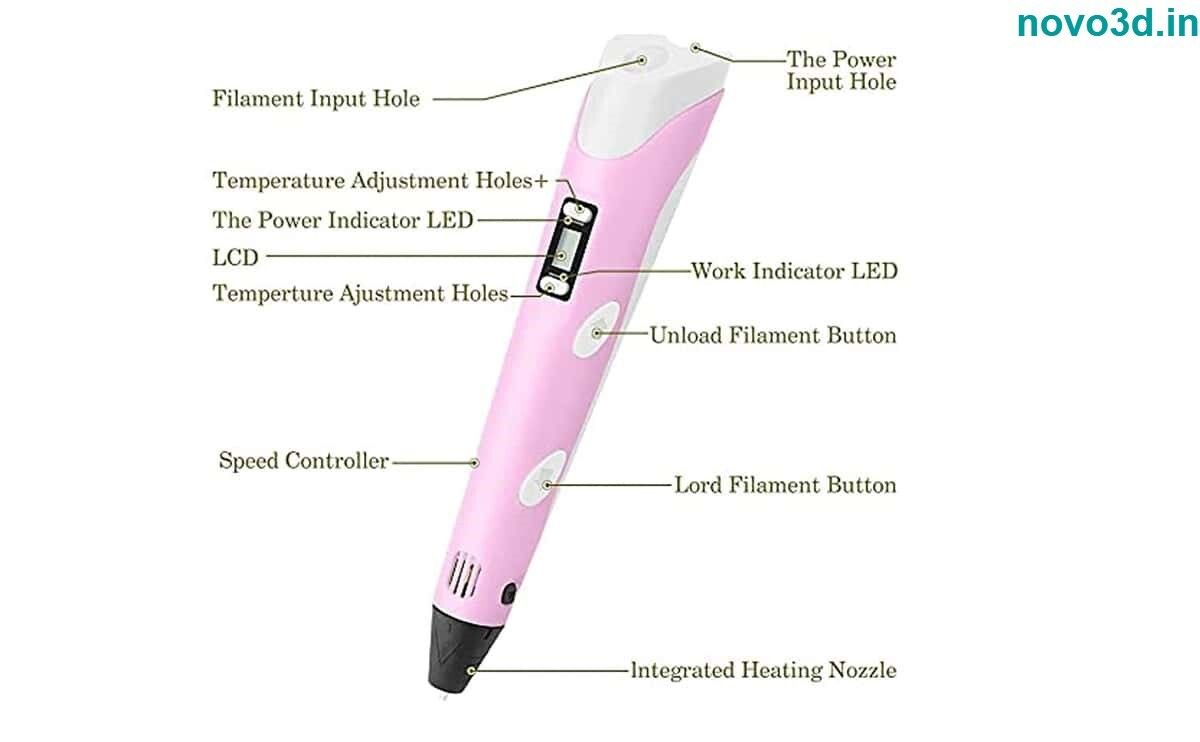
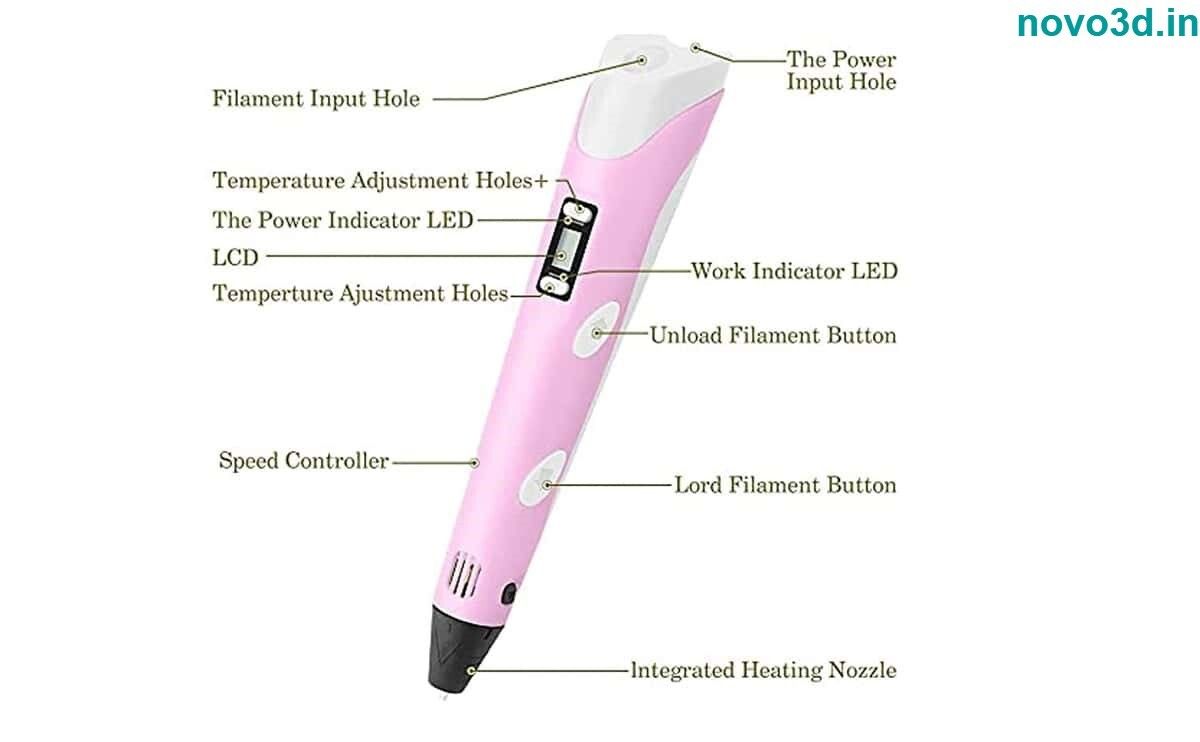
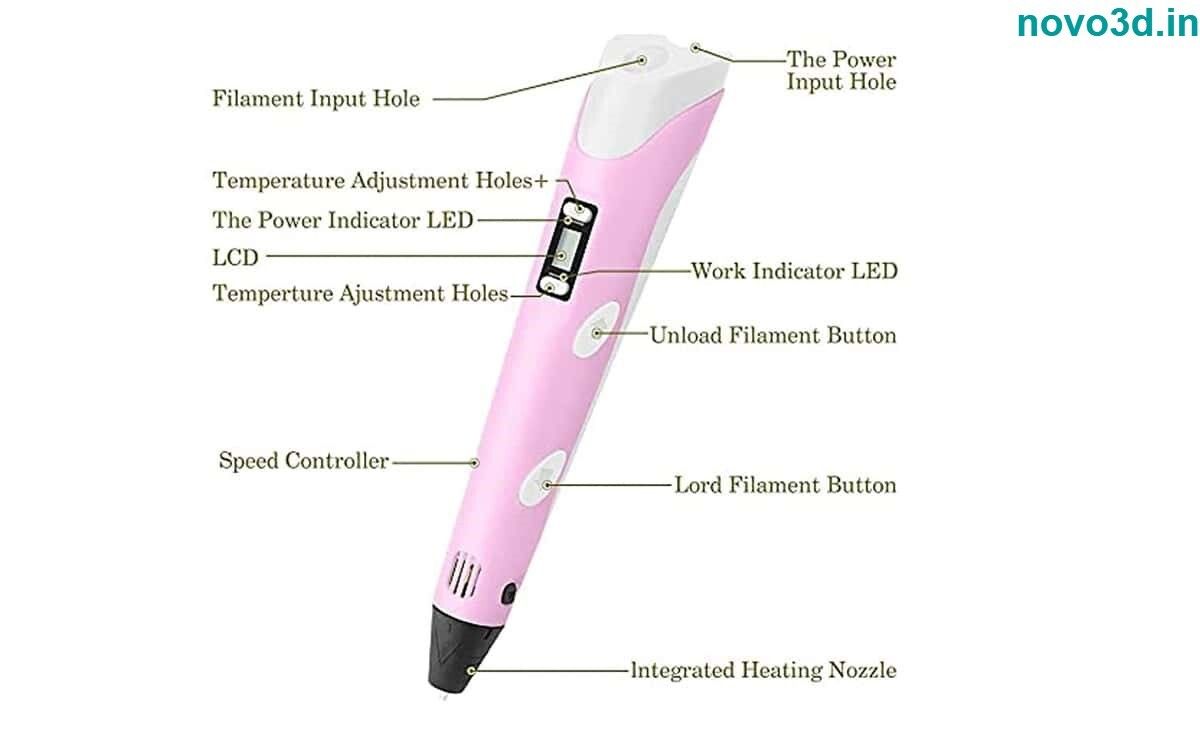
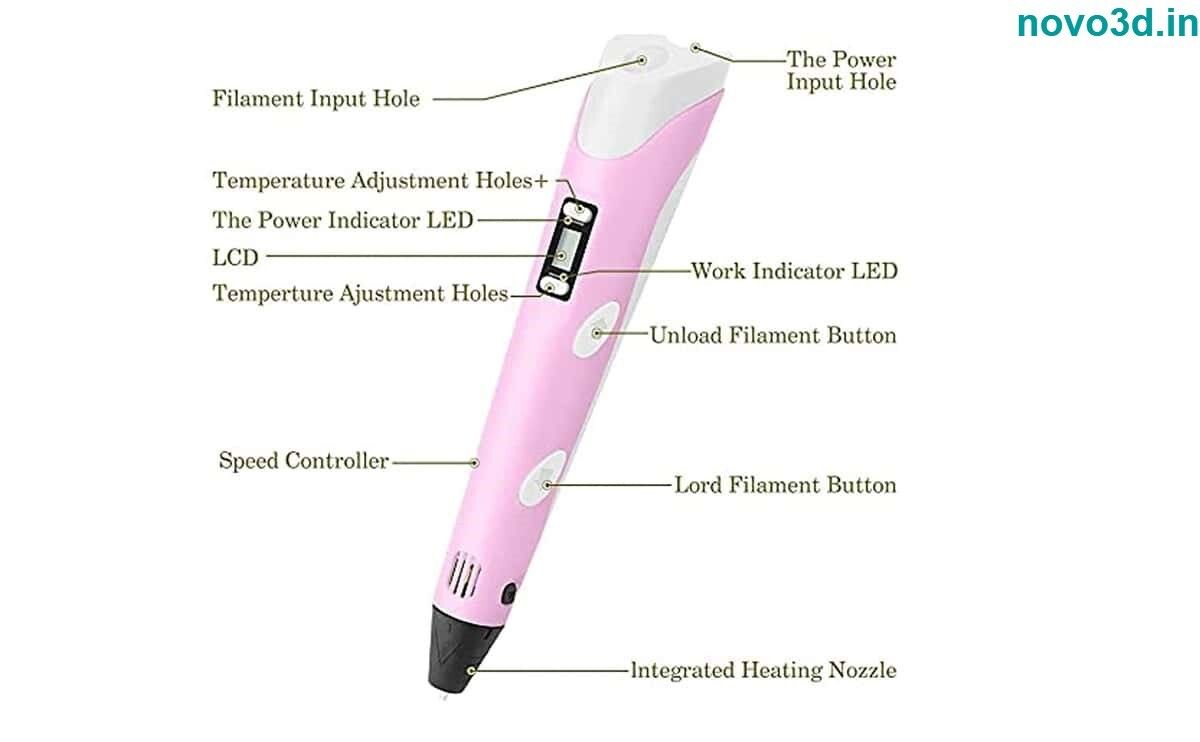
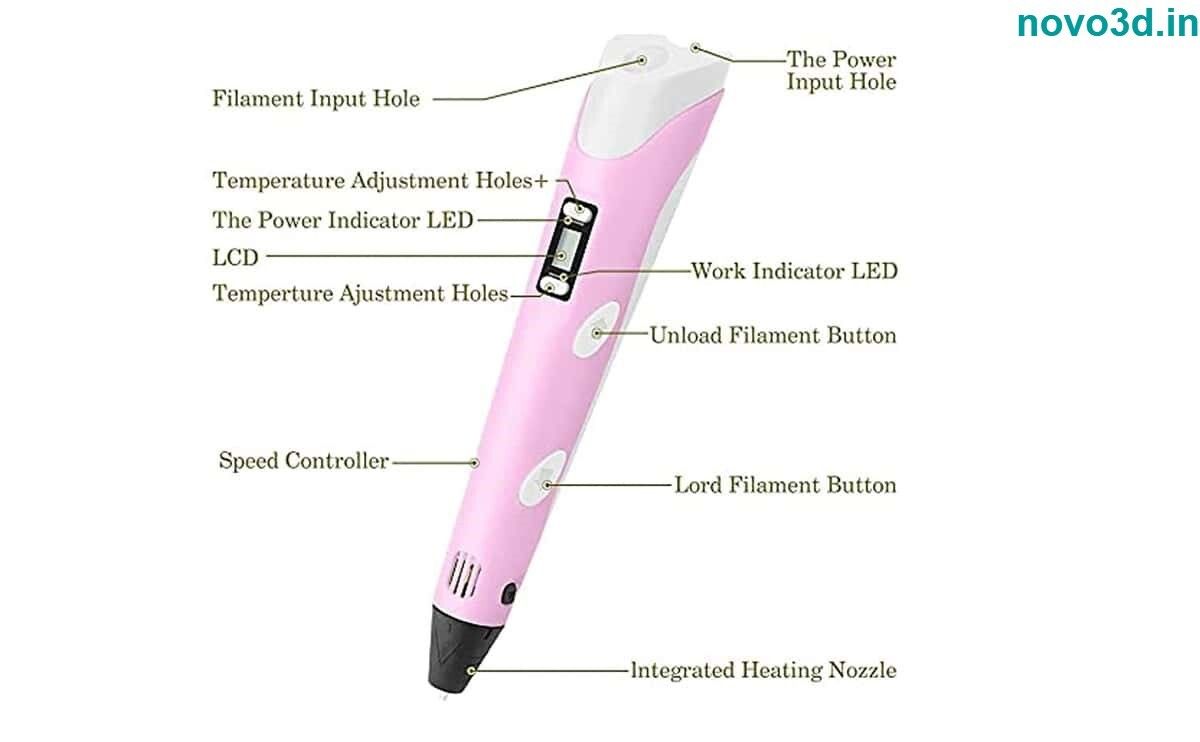
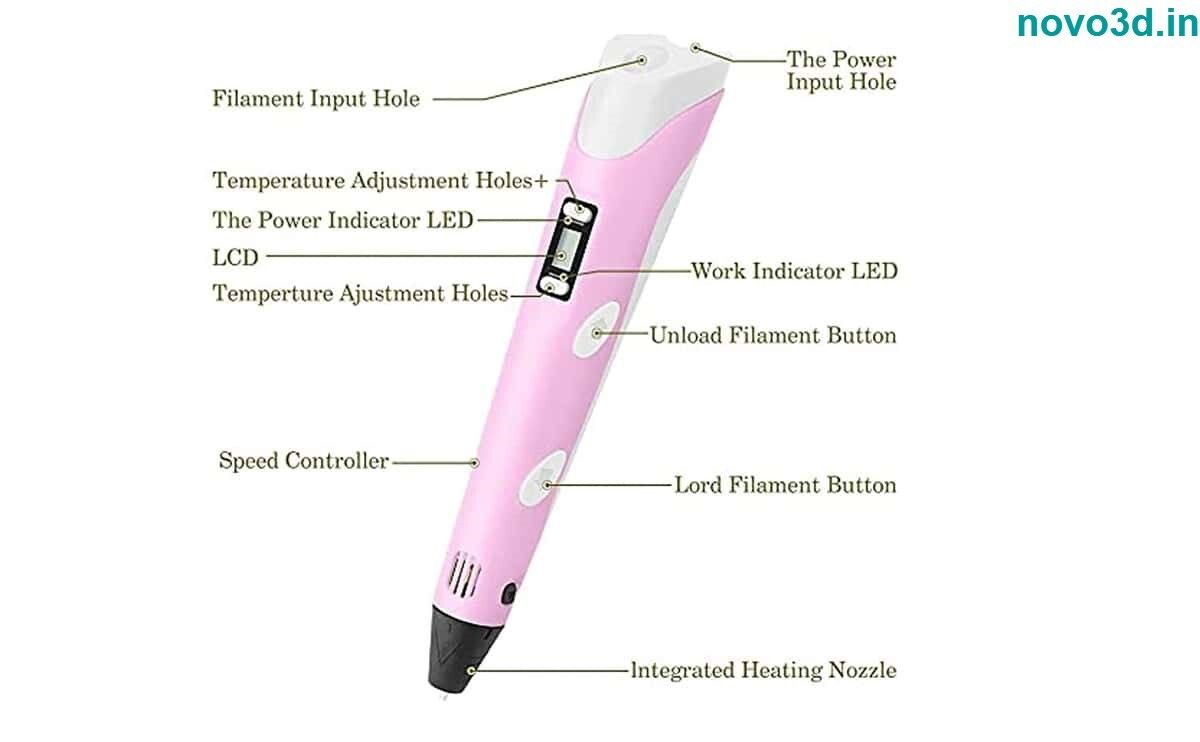
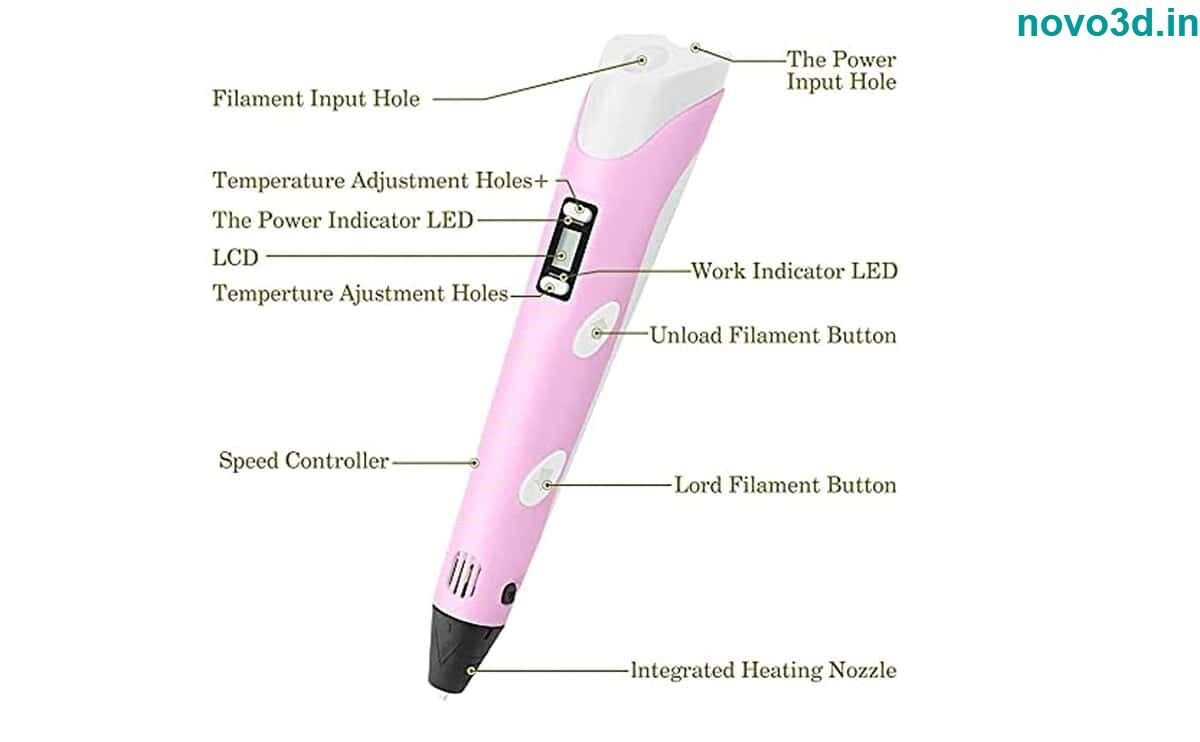
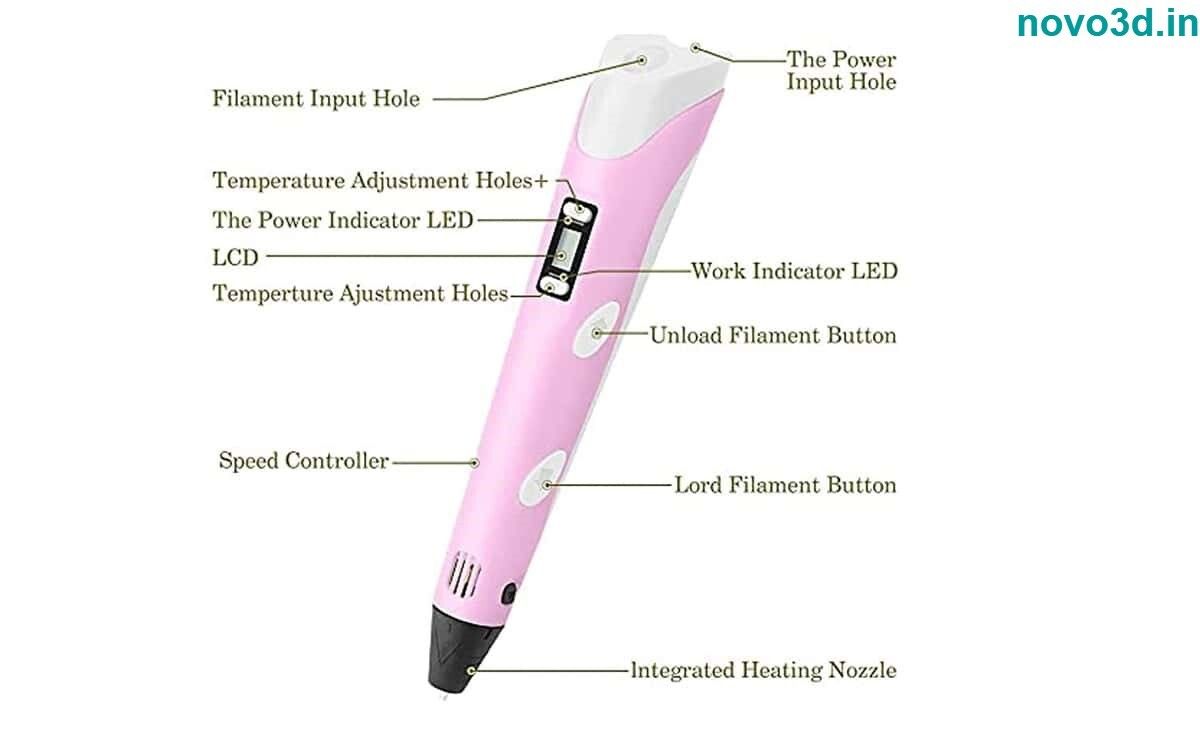
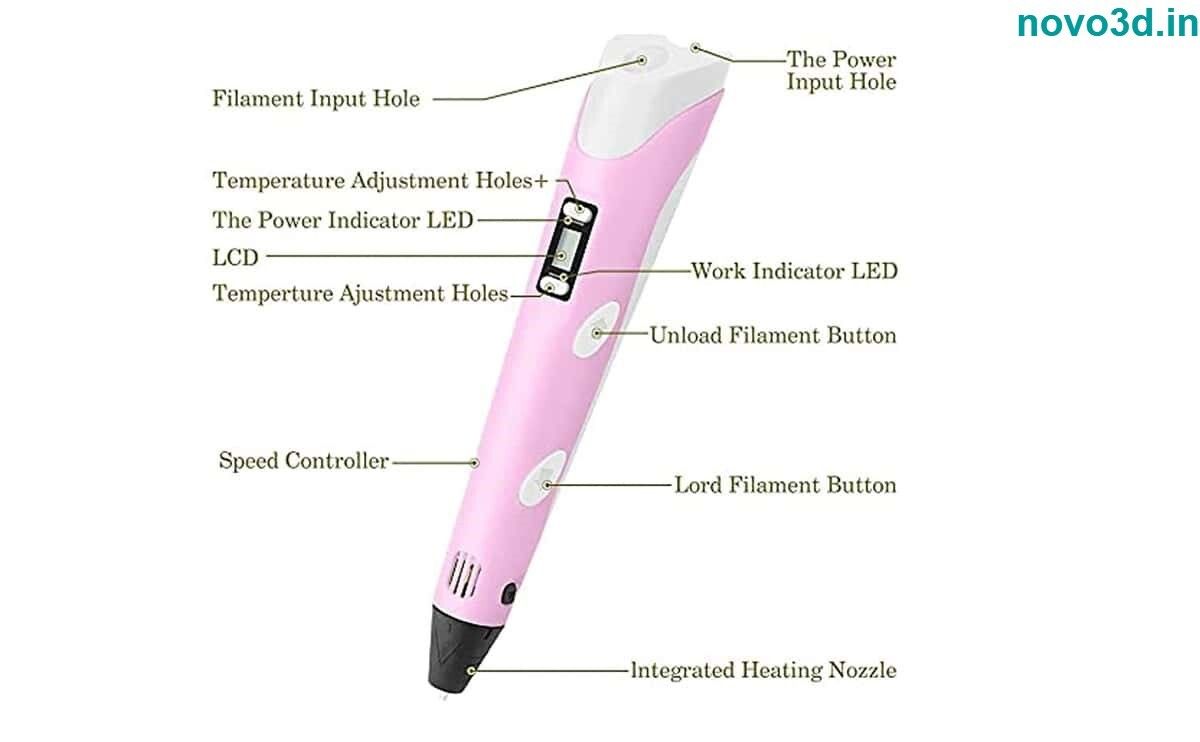
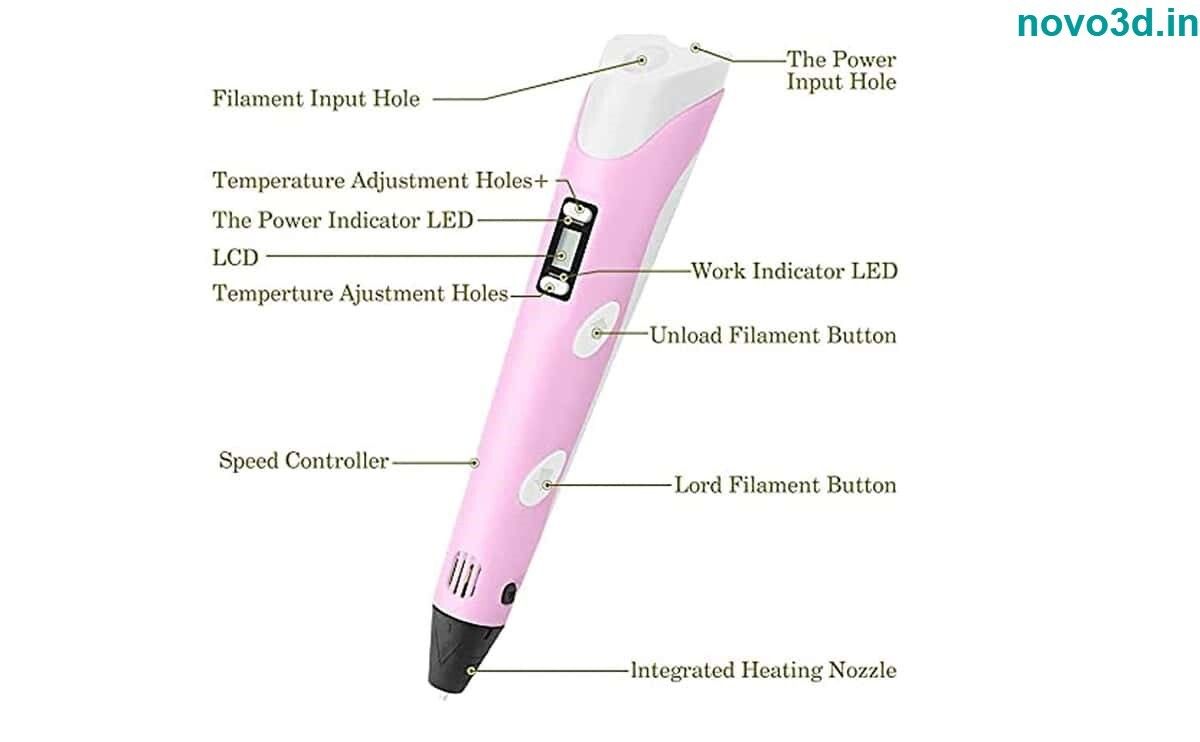
Precision and Simplicity CombinedLeveraging a sleek outer diameter of 17 mm and weighing just 55 grams, this 3D pen delivers comfort and ease for both beginners and seasoned artists. Its digital LCD helps you easily monitor and adjust speed and temperature, fostering finesse in creating detailed models and artwork at your preferred pace and style.
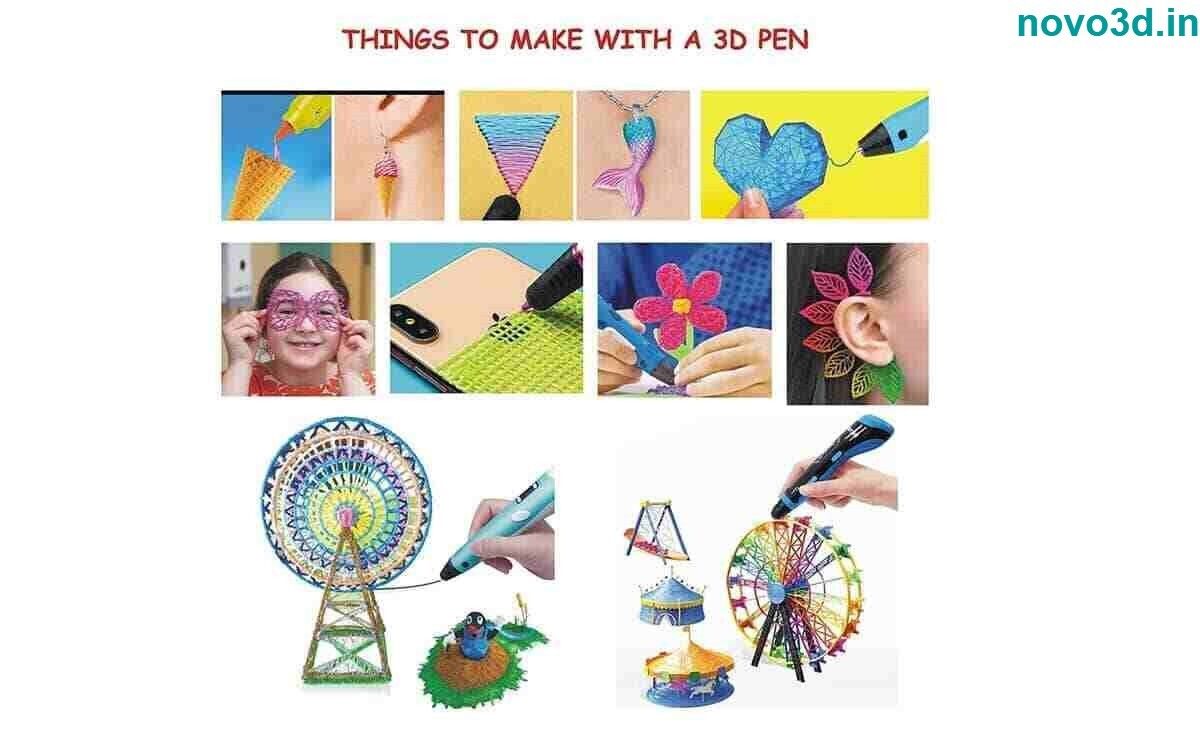
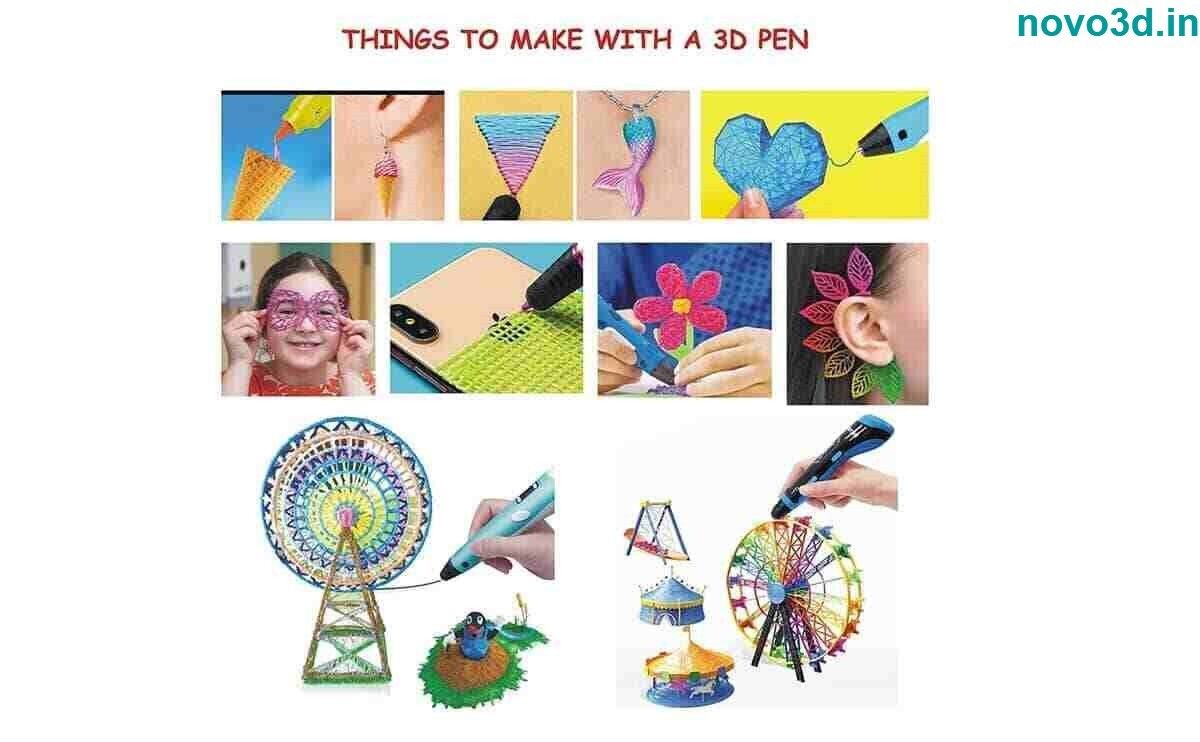
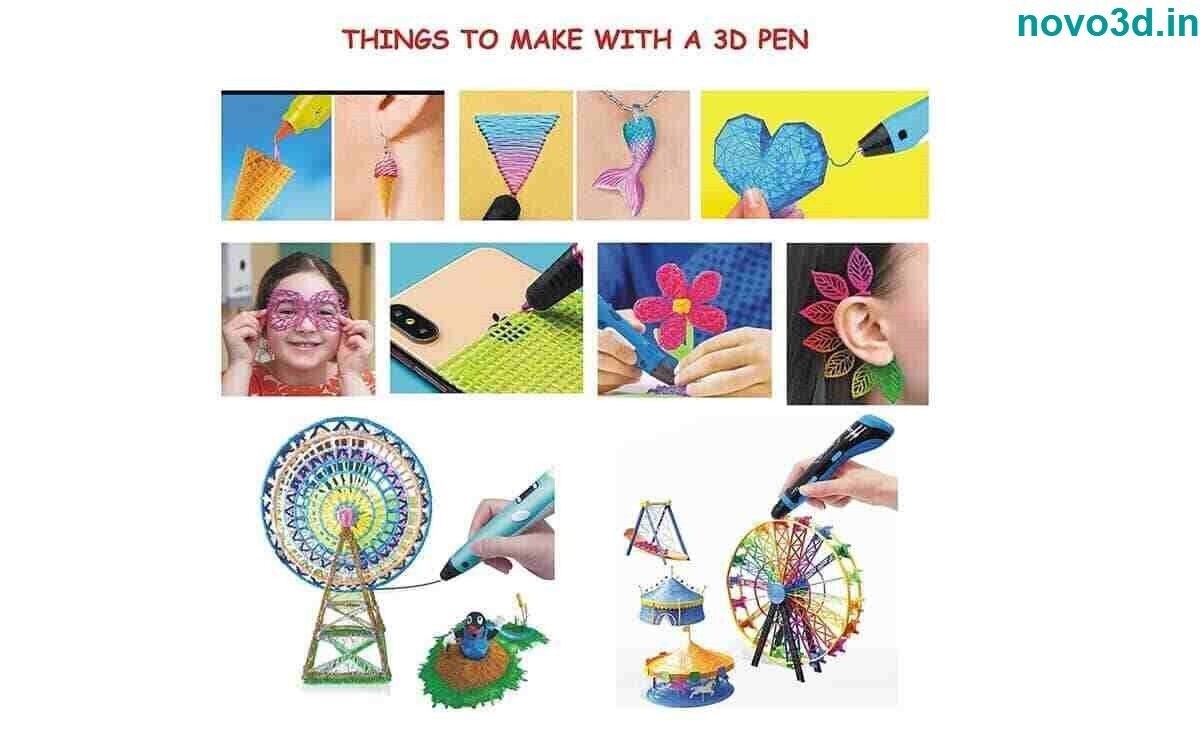
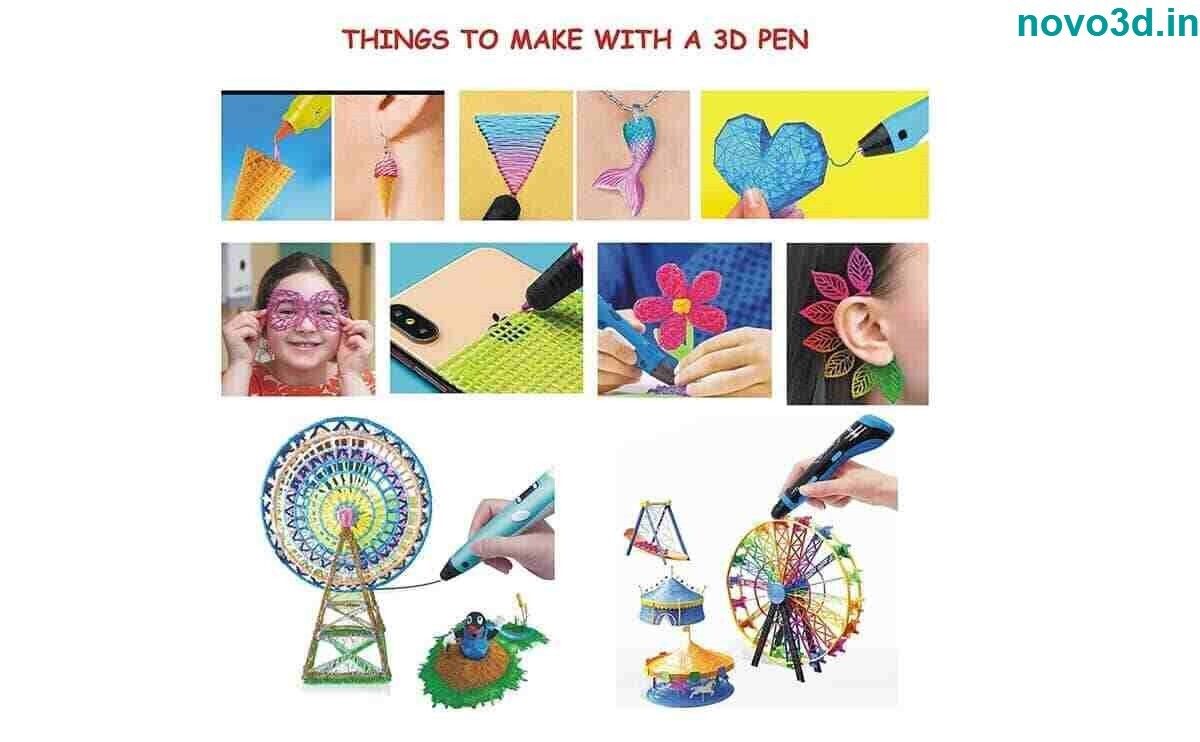
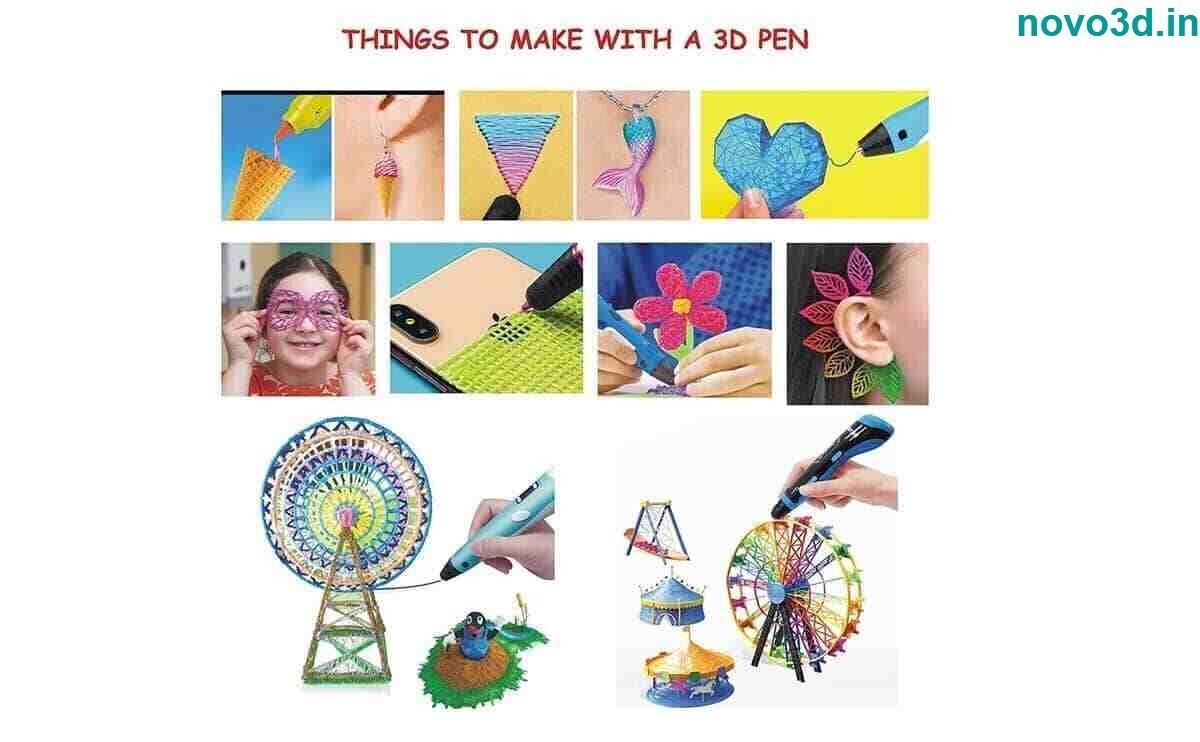
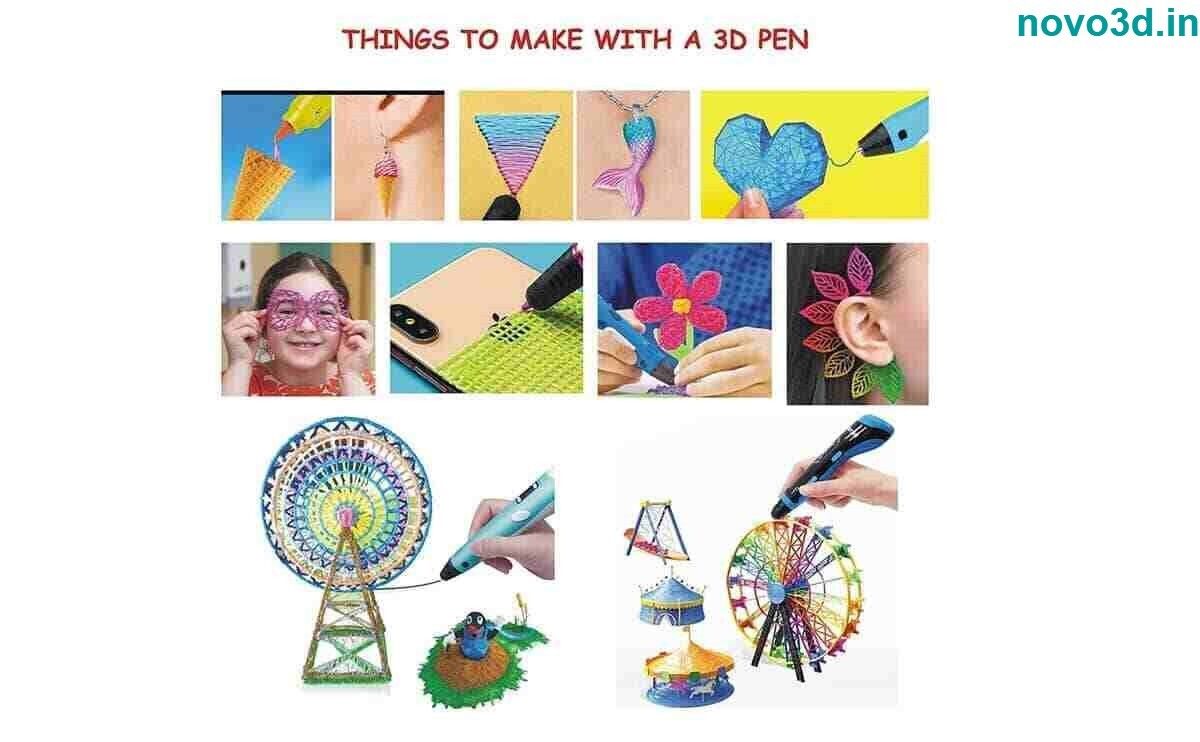
Safety and Versatile UsageThe built-in automatic shut-off and anti-clogging mechanism provide a worry-free and safe experience, making it ideal for children (8 years and above) and educational environments. Use it for 3D sketches, prototype models, or enriching classroom lessons on technology and design.
FAQ's of 3D printer pen:
Q: How do I operate the 3D printer pen and adjust its settings?
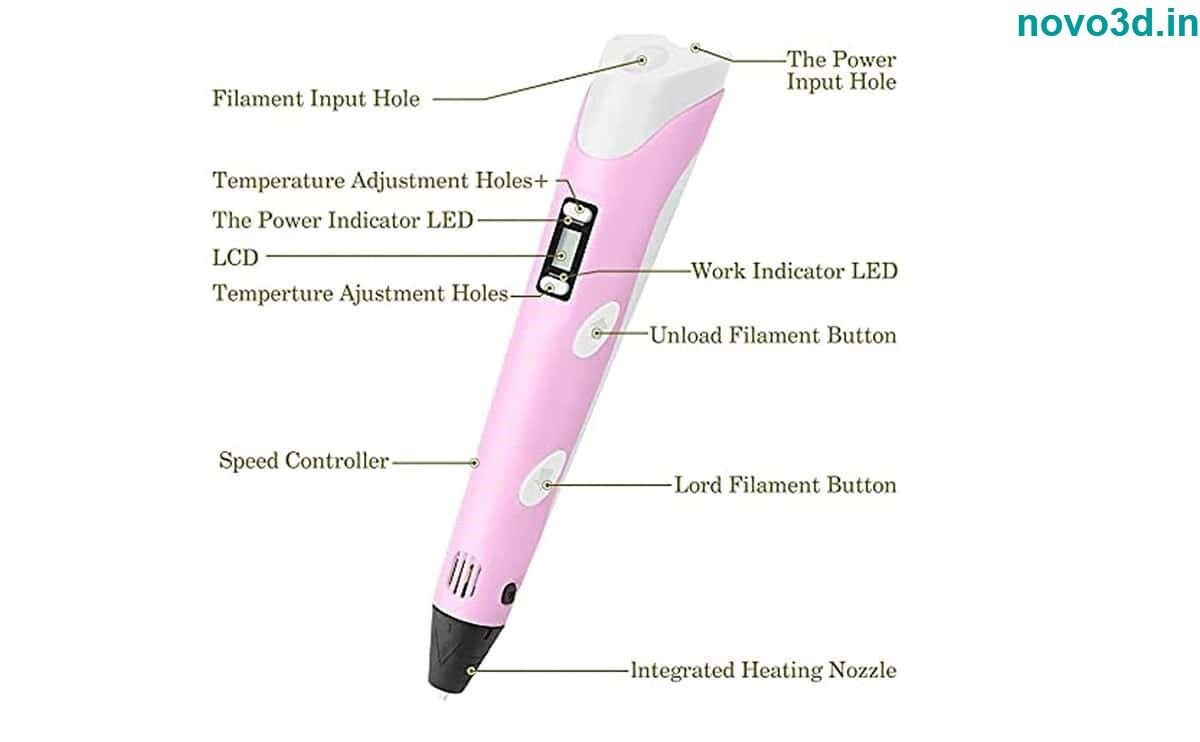
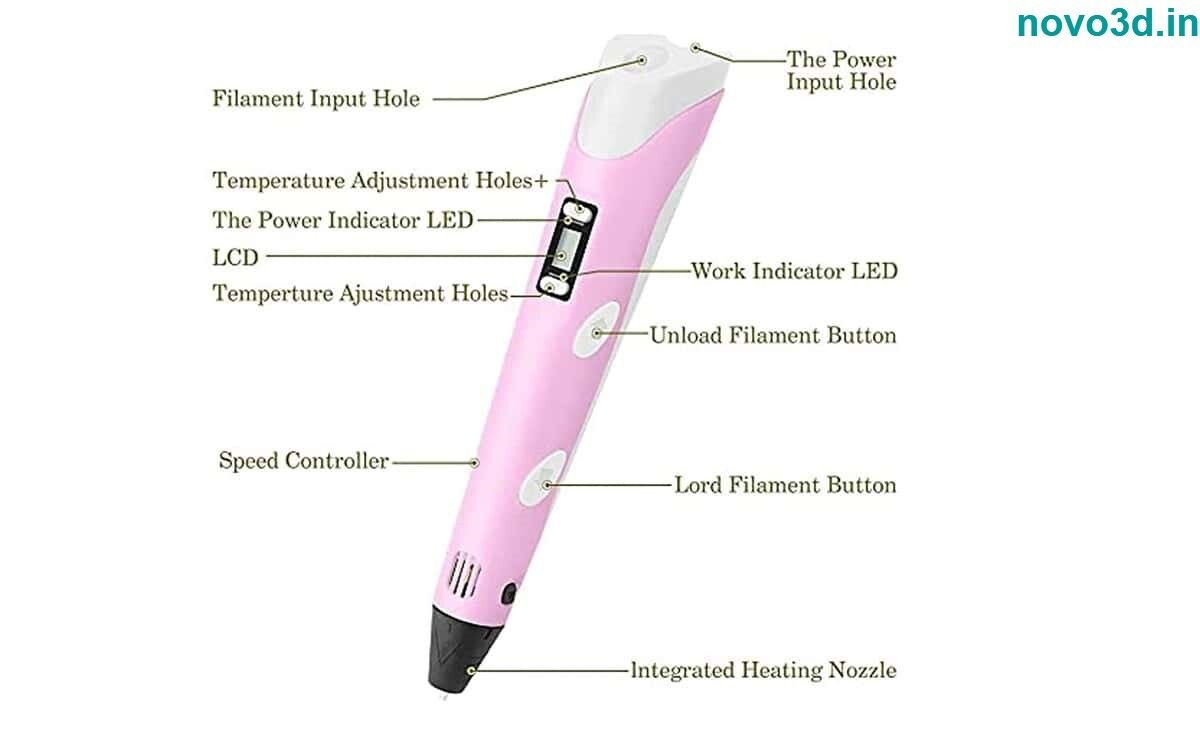
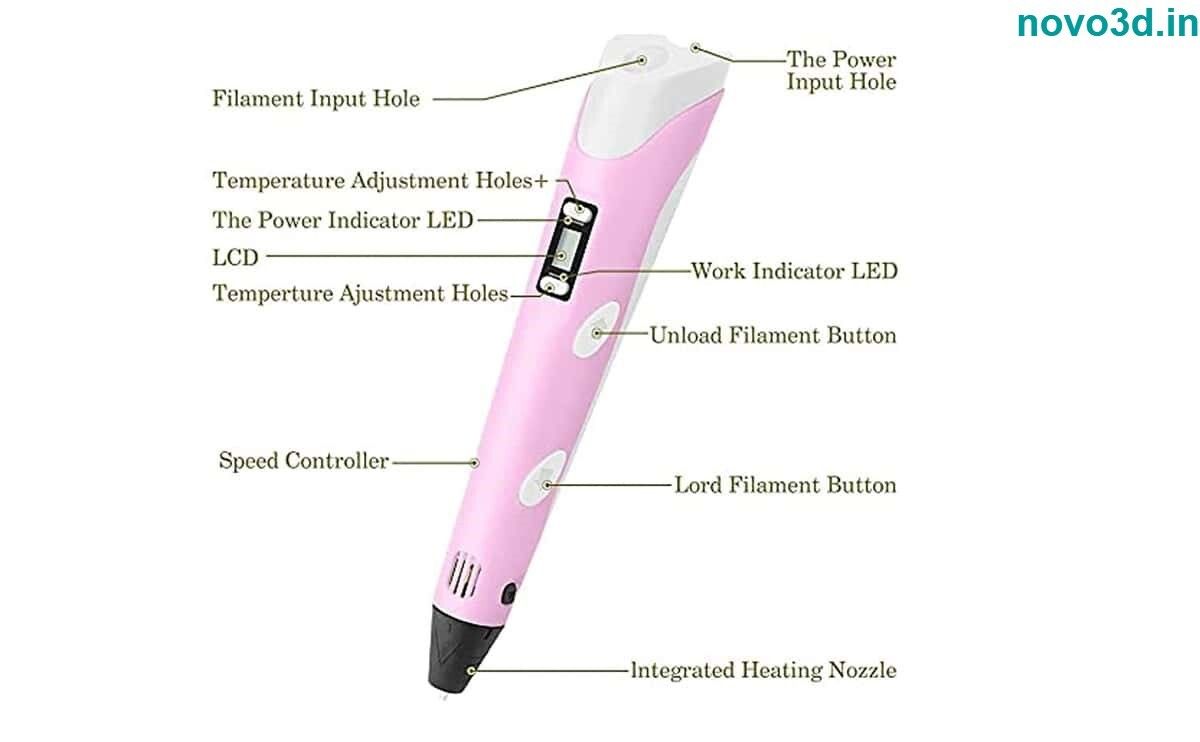
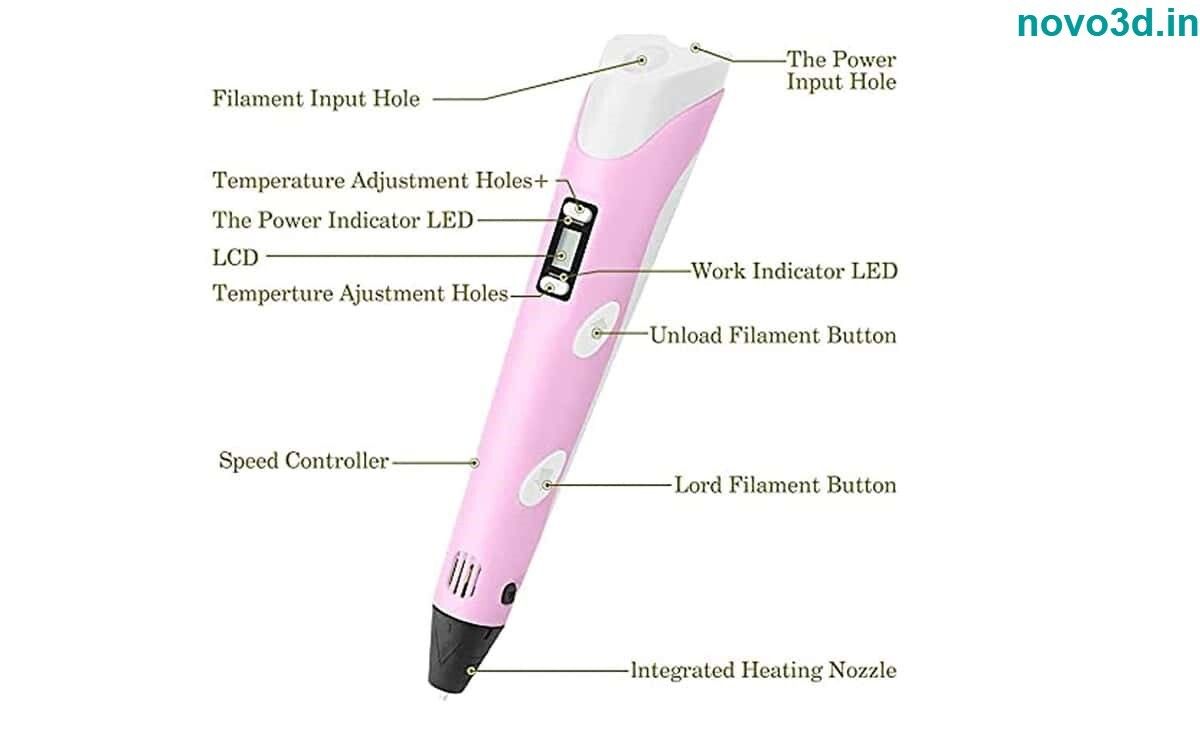
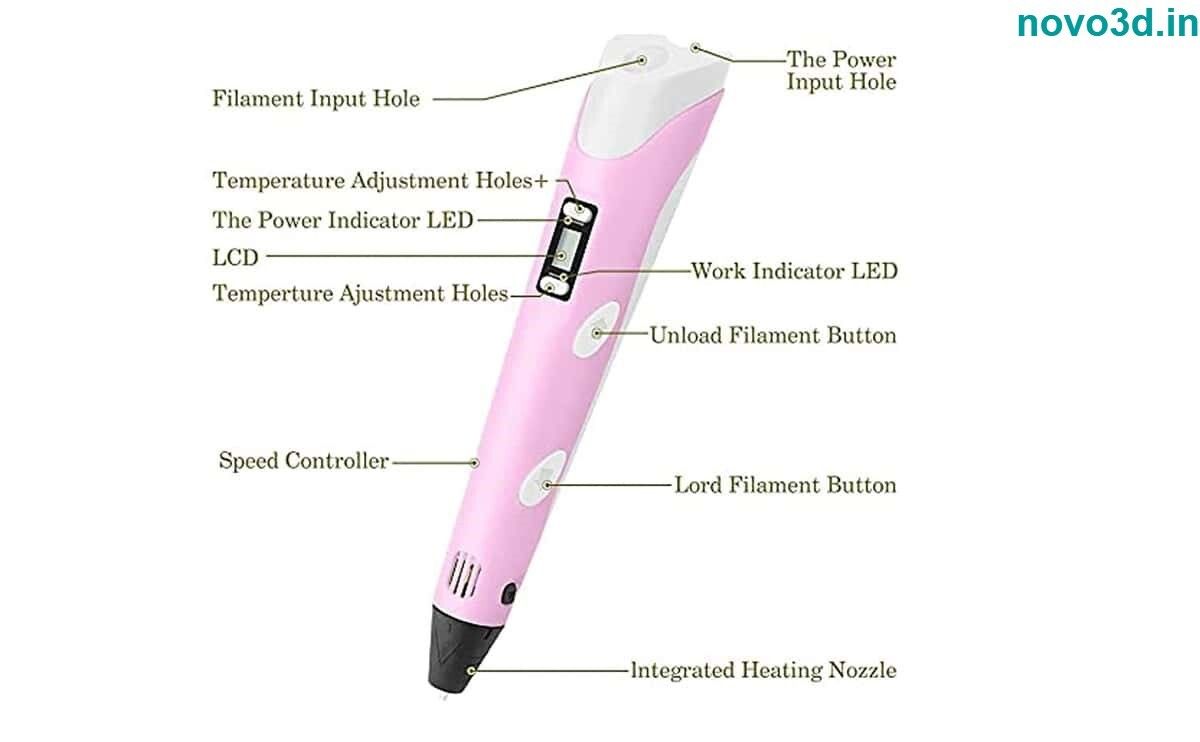
A: Simply connect the 3D pen to a 5V DC power source via USB or adapter. Use the button controls alongside the digital LCD screen to set the desired speed and temperature within 160C to 230C depending on your chosen filament (PLA or ABS).
Q: What safety mechanisms are included in this 3D pen?
A: This pen features automatic shut-off to prevent overheating and an anti-clogging mechanism to keep the nozzle clear. These make it secure for ages 8 and above and suitable for classrooms or home use.
Q: When should I perform maintenance and how is it done?
A: Clean the nozzle regularly-ideally after every session-using the supplied tool. This ensures consistent performance and prevents filament jams, especially when switching between PLA and ABS materials.
Q: Where can this pen be used effectively?
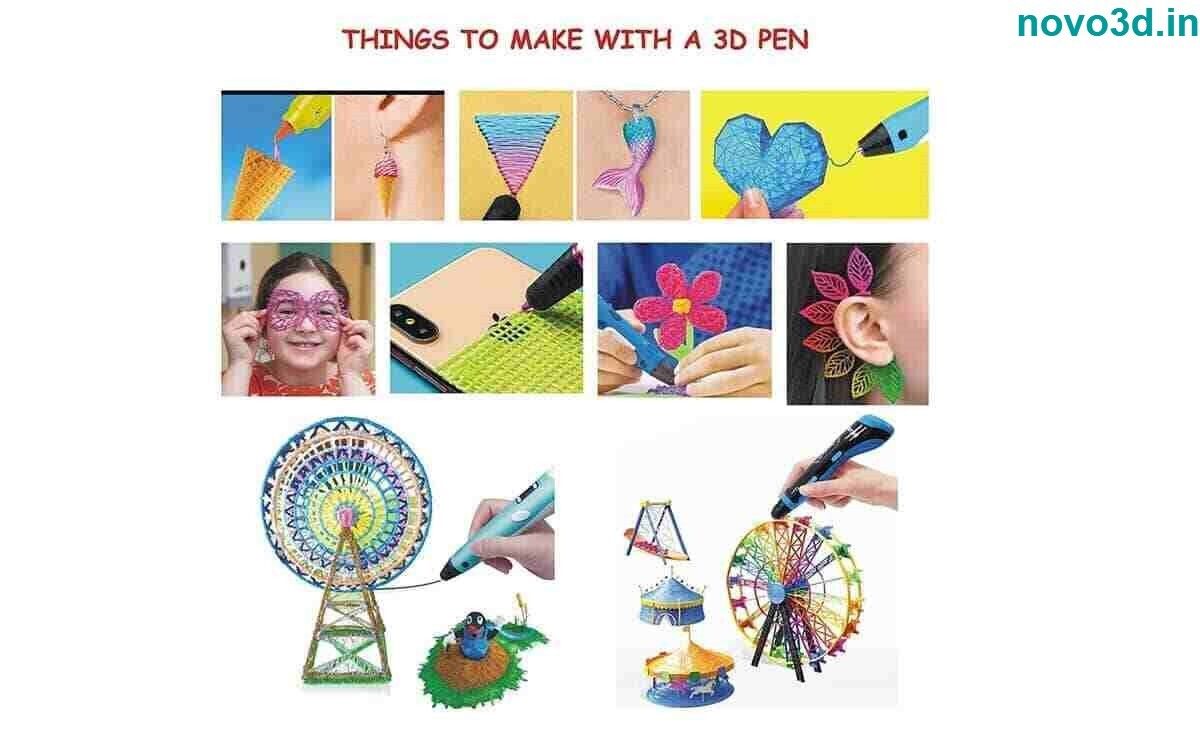
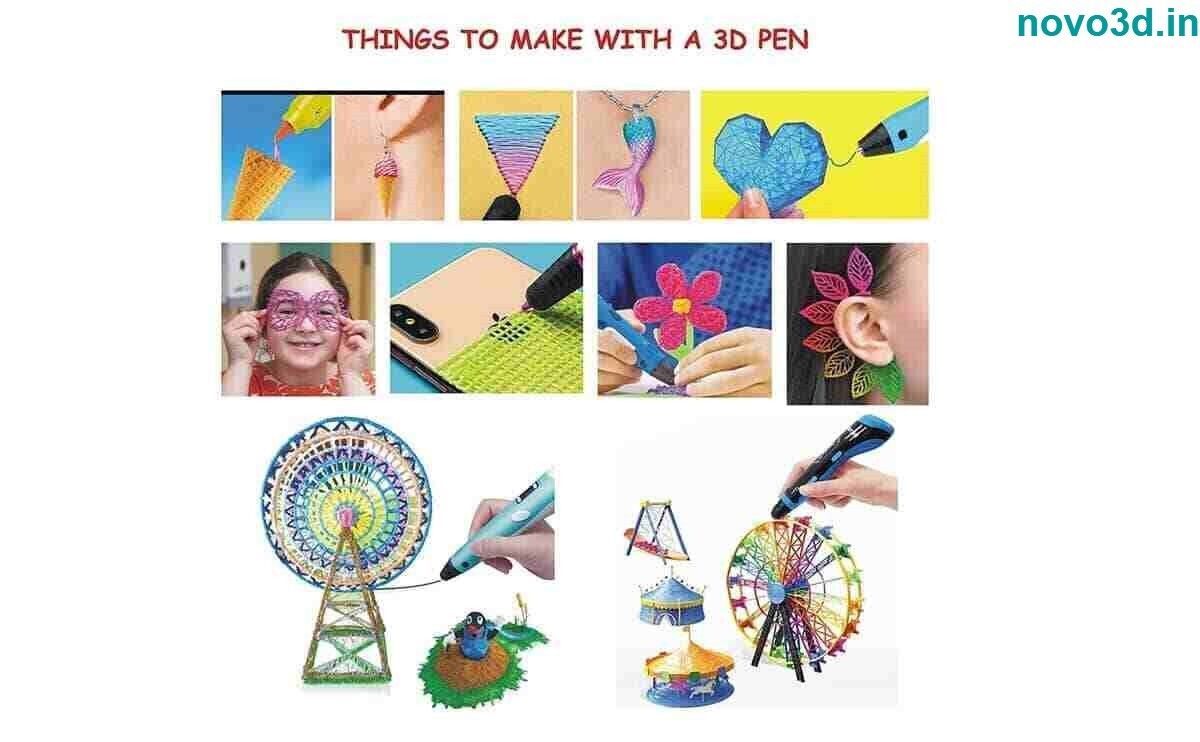
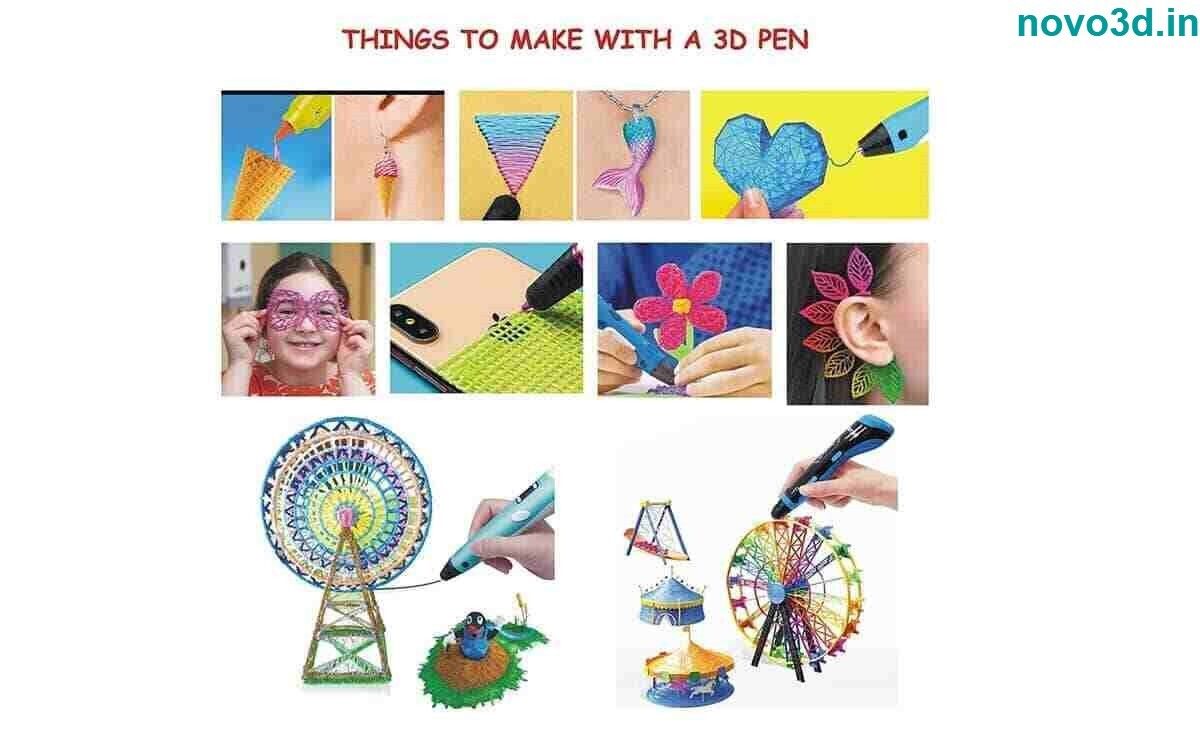
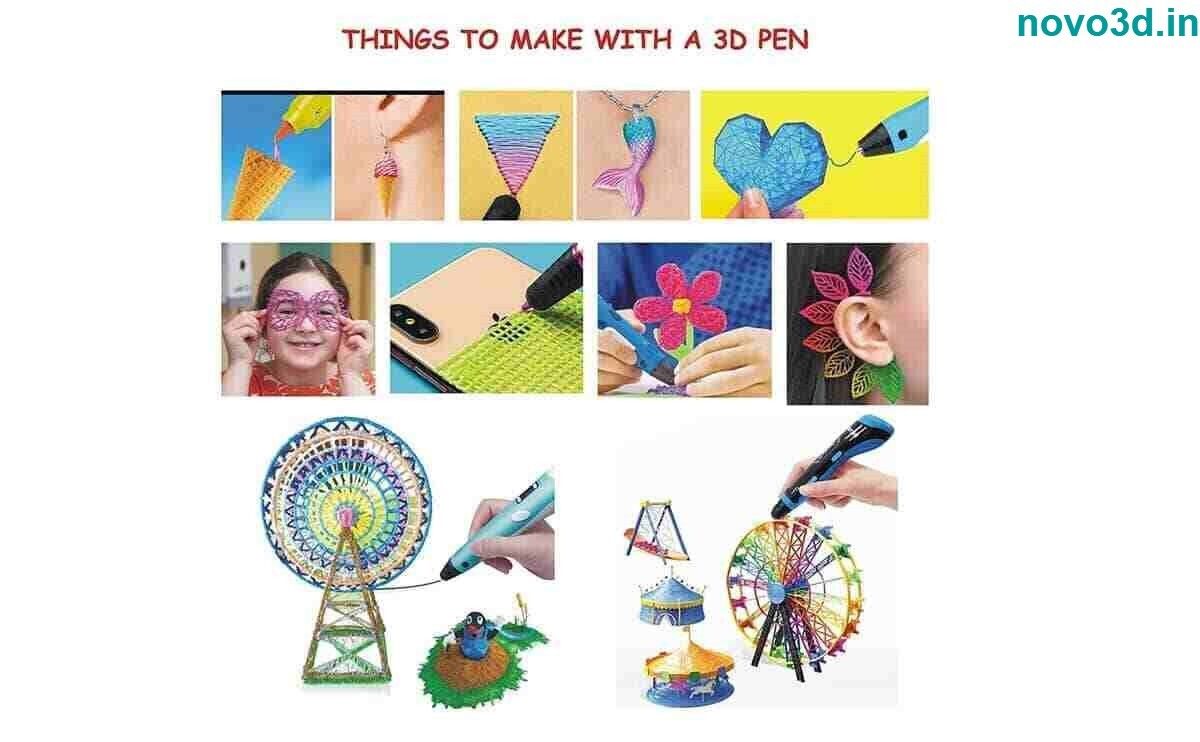
A: Thanks to its ergonomic design and lightweight body, the pen is ideal for homes, schools, art studios, and makerspaces. Use it for 3D art projects, model making, and educational demonstrations.
Q: What process do I follow to change filament types?
A: To switch between PLA and ABS filaments, ensure the pen is at the appropriate temperature (as shown on the LCD) for the chosen material. Eject the old filament, load the new one, and allow a few moments for the new filament to feed through cleanly.
Q: How does using this 3D pen benefit creative or learning activities?
A: It promotes hands-on learning and creative problem-solving. The adjustable speed and temperature, anti-clogging system, and ease of use allow students, hobbyists, and artists to construct models, artworks, or classroom projects efficiently and safely.